$16 · PDF · A4 · PDF · US Letter · 40 pages
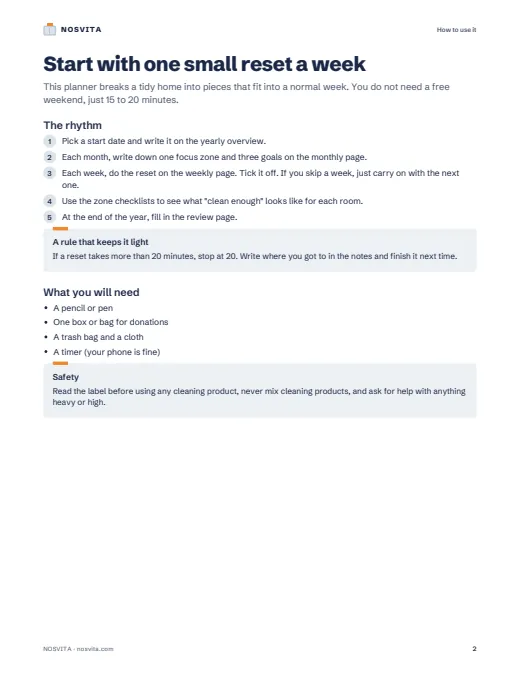
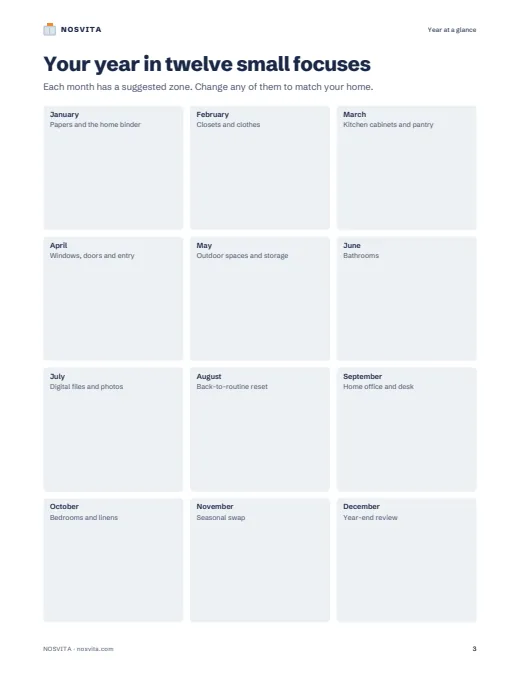
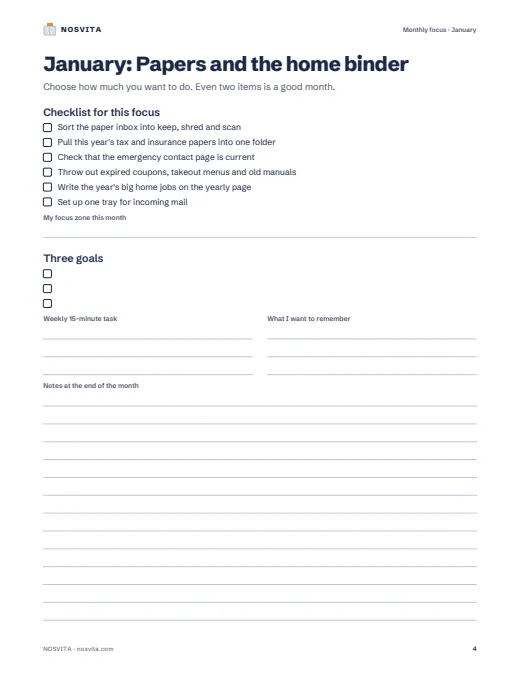
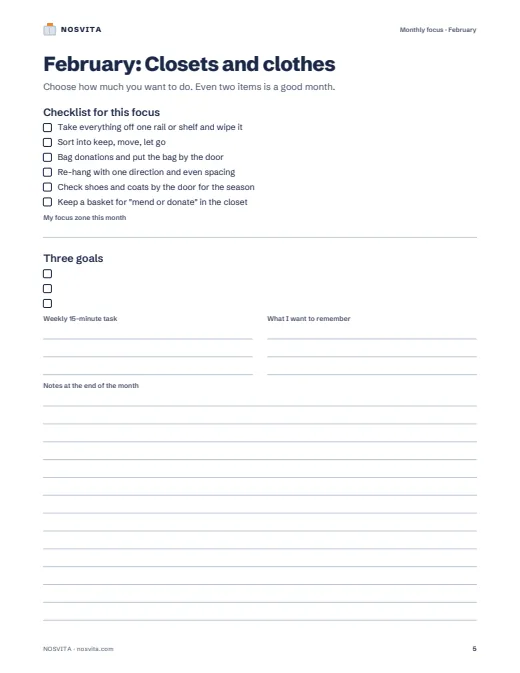
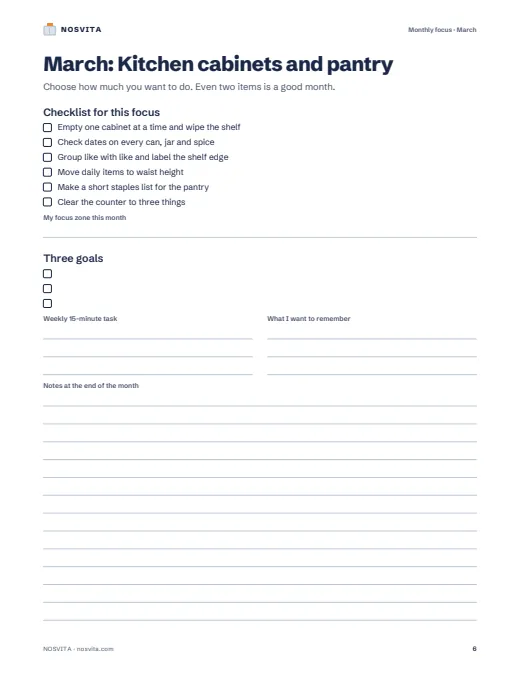
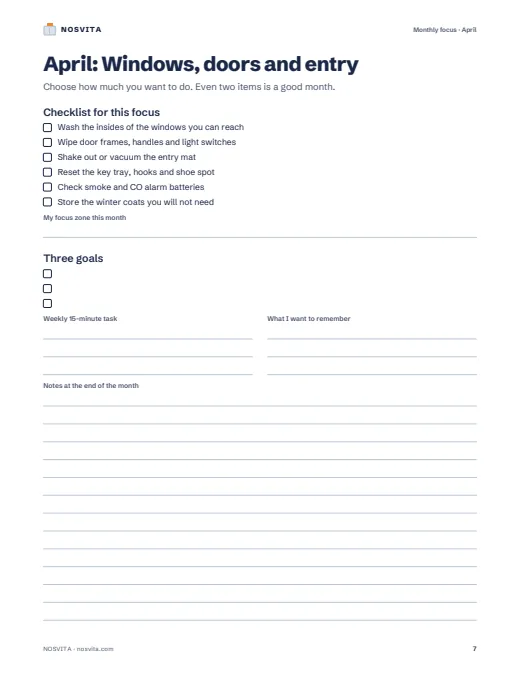
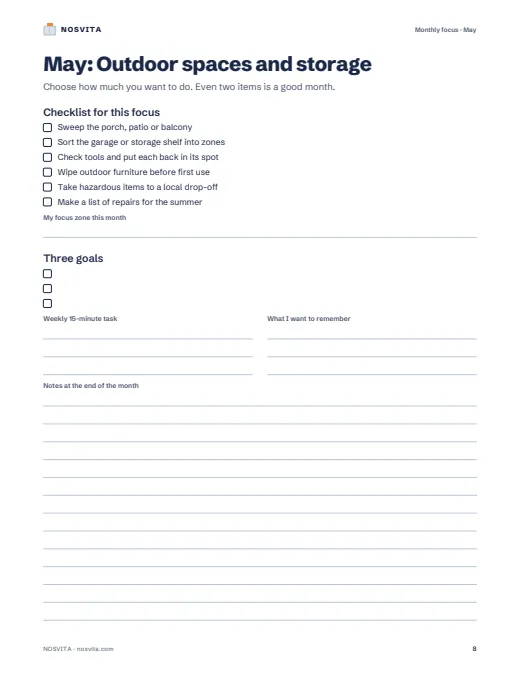
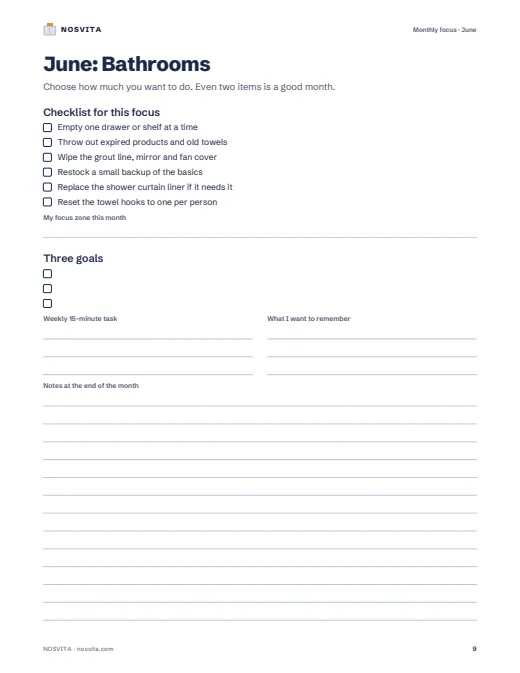
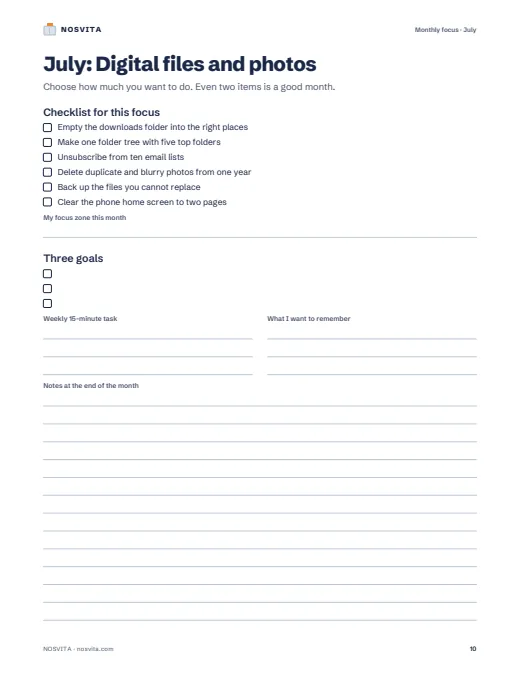
A year of small home resets in one printable planner: a yearly overview, a monthly home focus with a checklist, 52 weekly resets of 15 to 20 minutes and a checklist for each zone of the house. It is made to be picked up and put down; a skipped week costs nothing.
$9 · PDF · A4 · PDF · US Letter · 24 pages
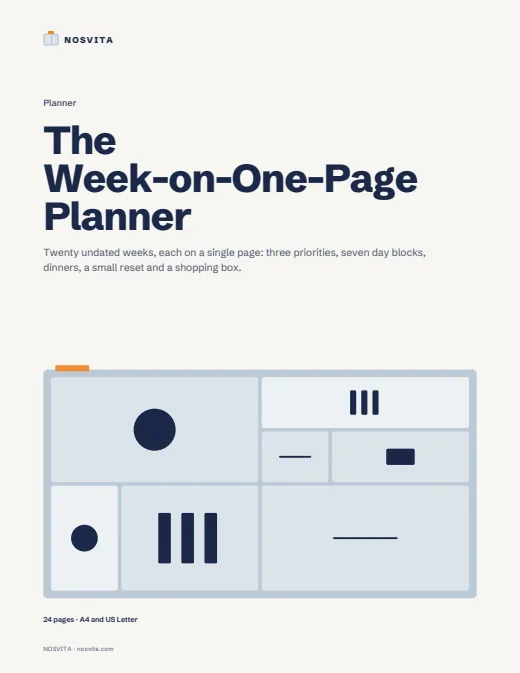
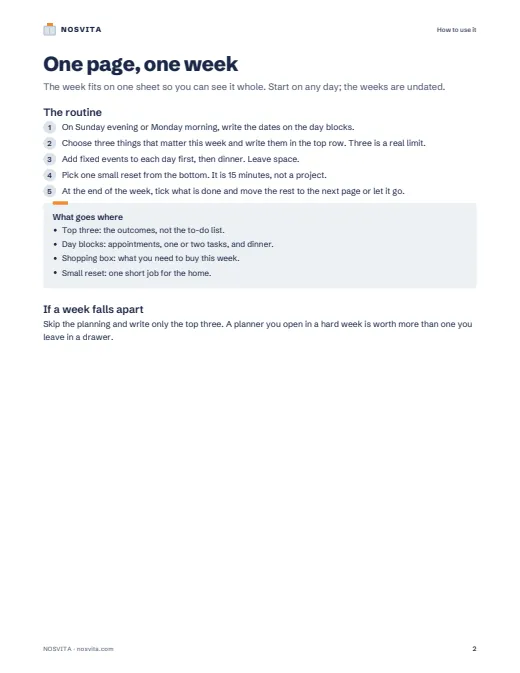
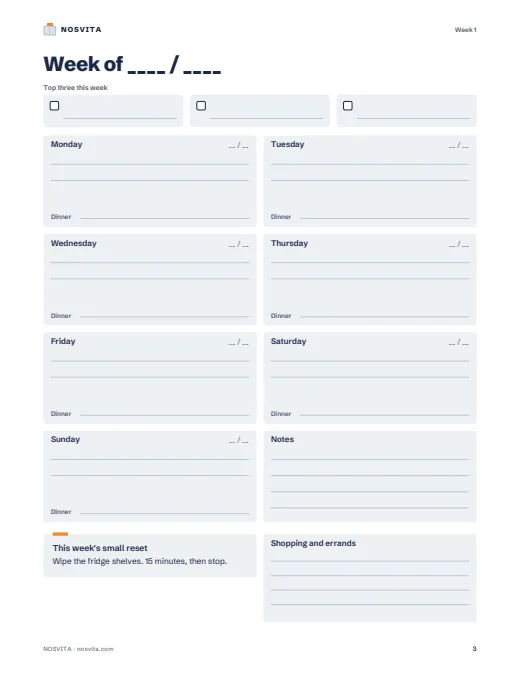
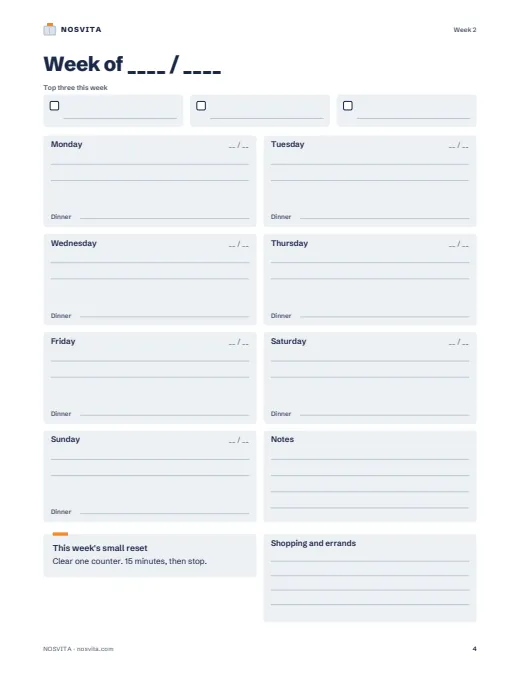
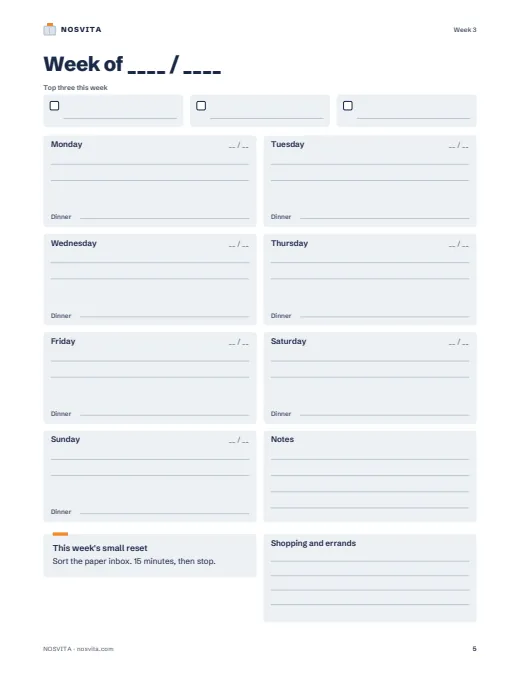
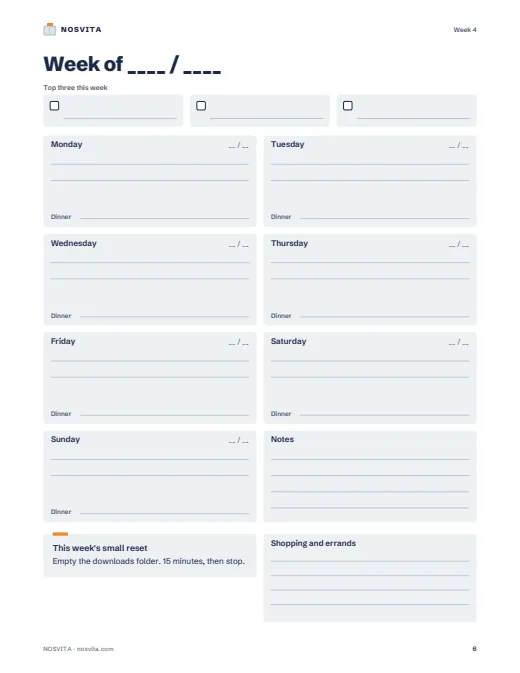
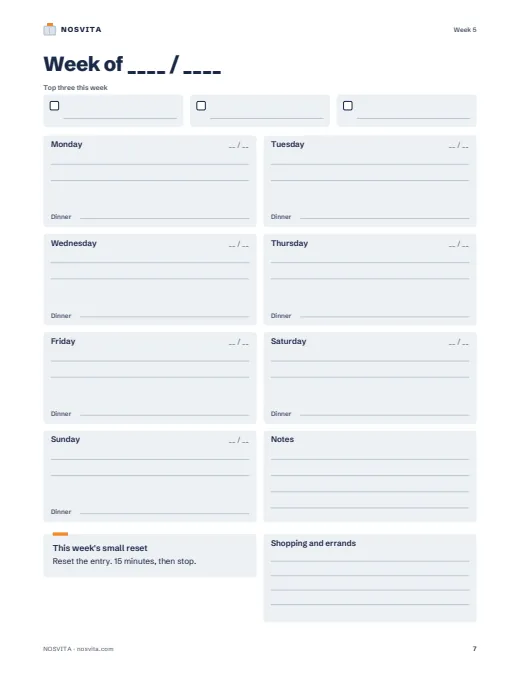
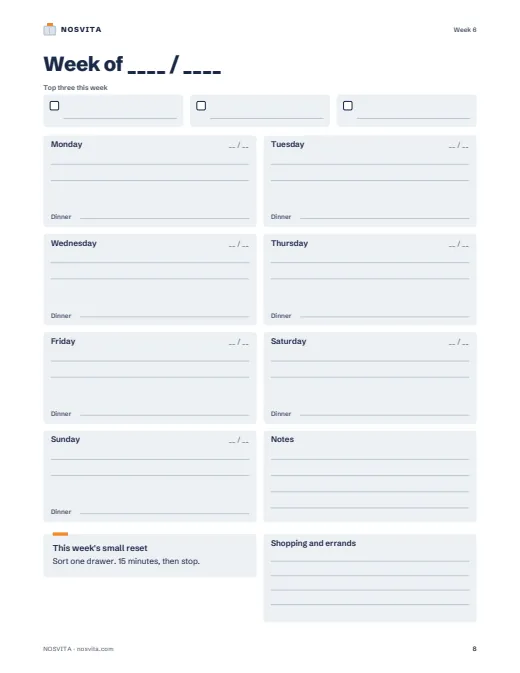
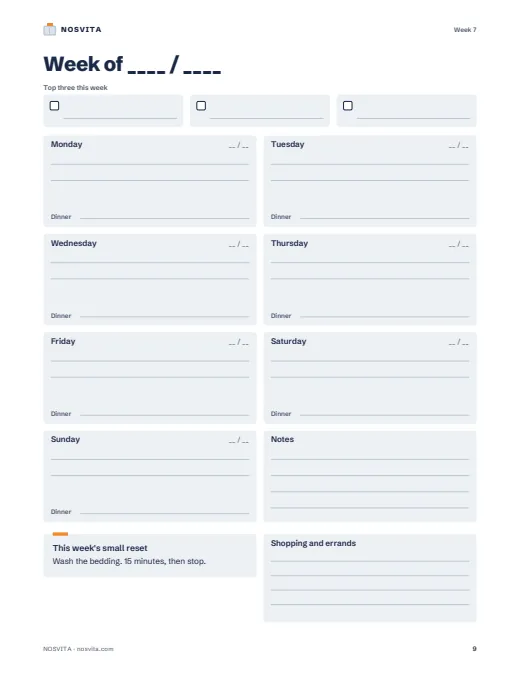
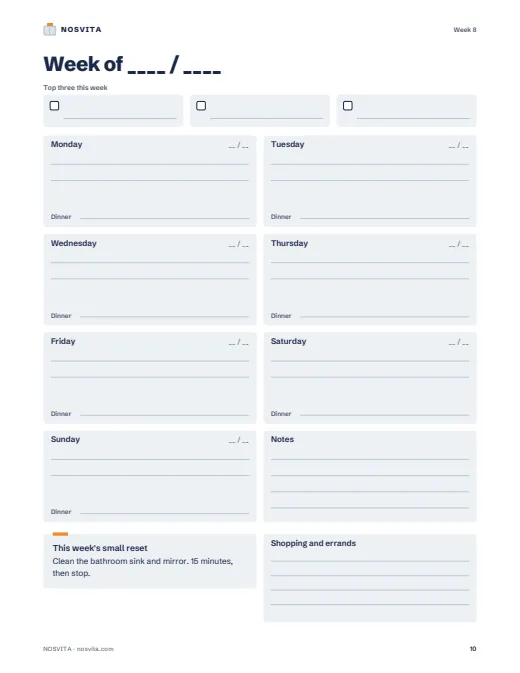
Twenty undated weeks, each on a single page: three priorities, seven day blocks with a dinner line, a small home reset and a shopping box. Start on any day and see the whole week at once.
$9 · PDF · A4 · PDF · US Letter · 20 pages
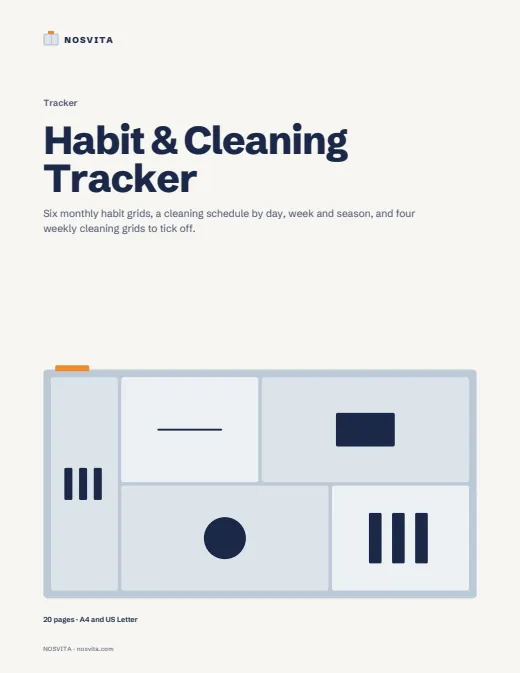
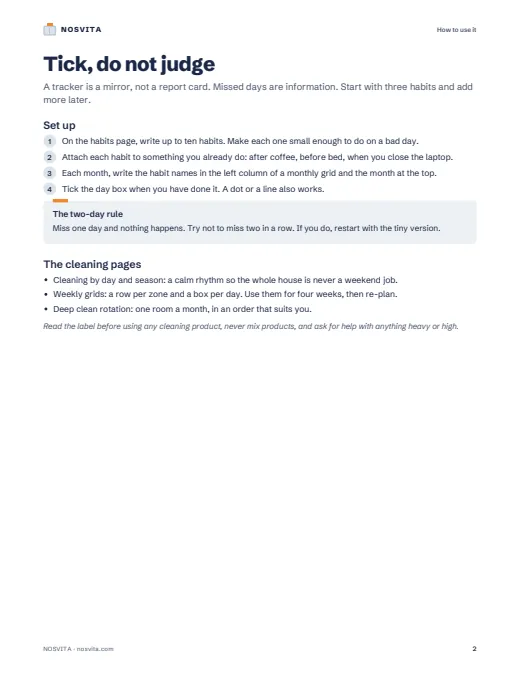
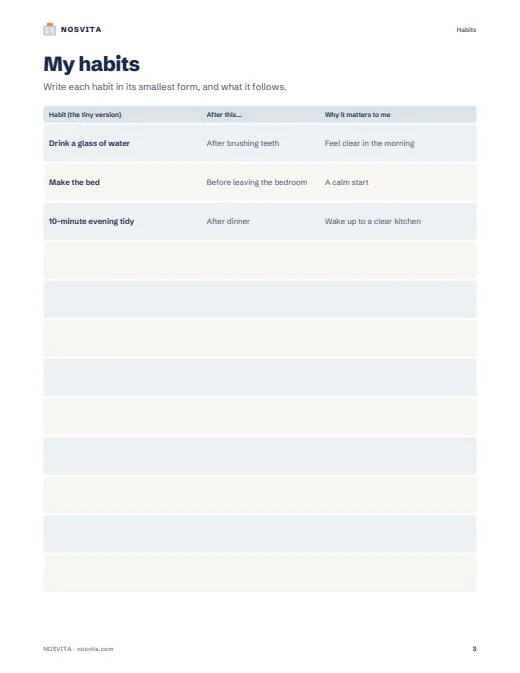
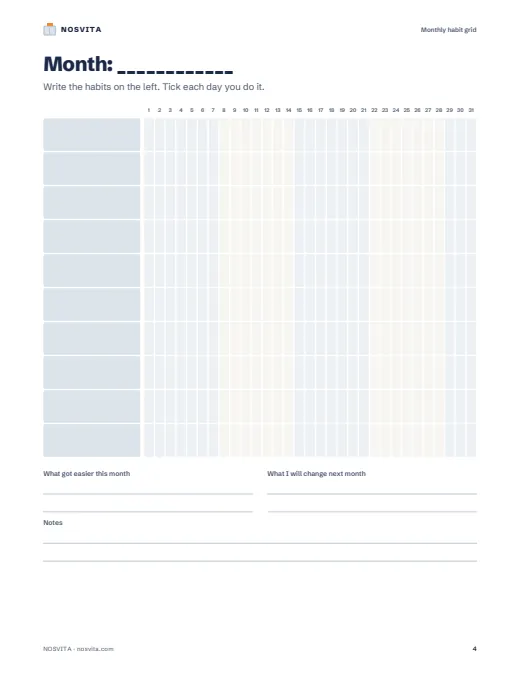
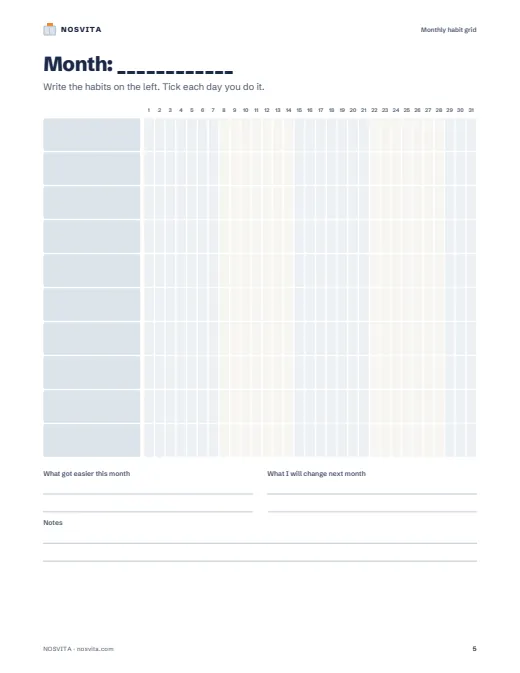
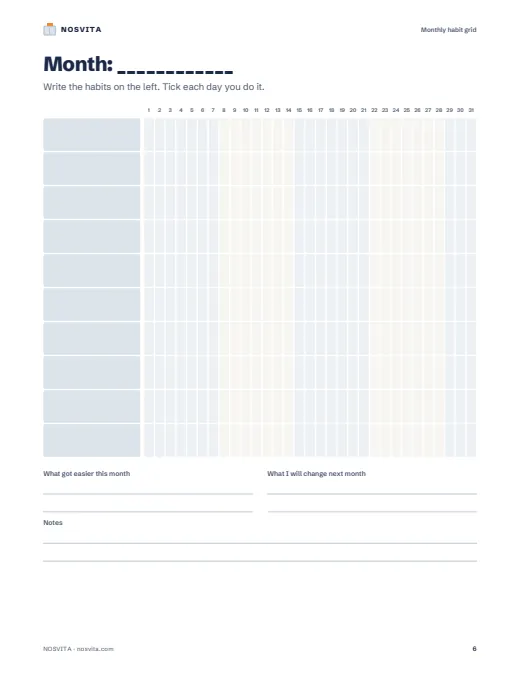
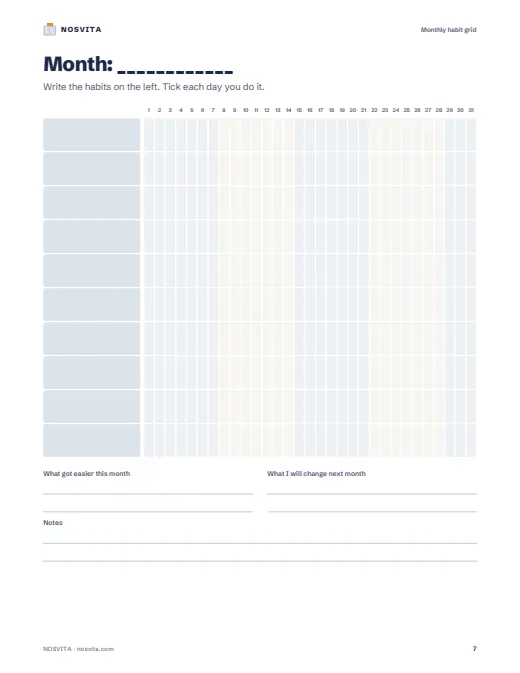
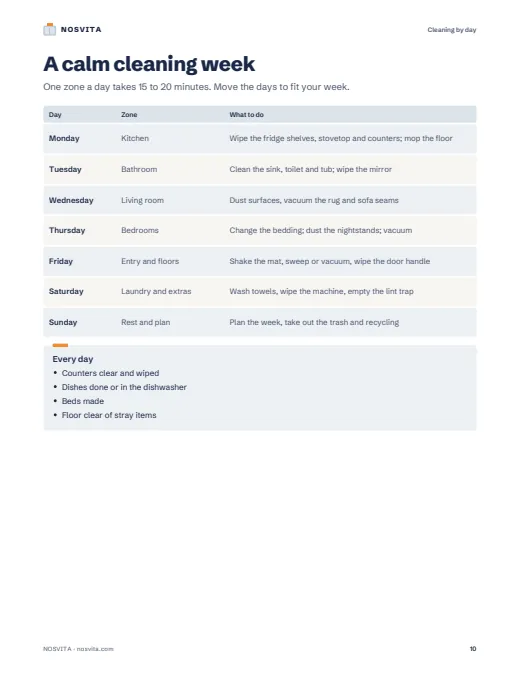
Six monthly habit grids with room for ten habits each, plus a cleaning schedule by day, month and season and four weekly cleaning grids with a box for every zone and day. It also has a deep-clean rotation, a supplies list and two review pages.
$8 · PDF · A4 · PDF · US Letter · 18 pages
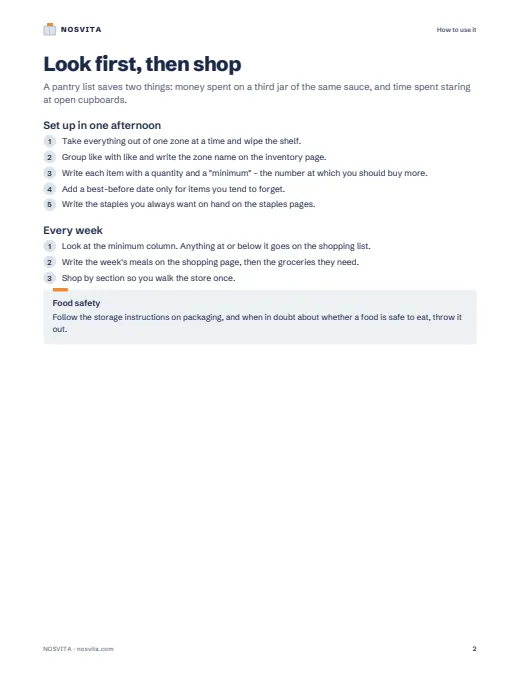
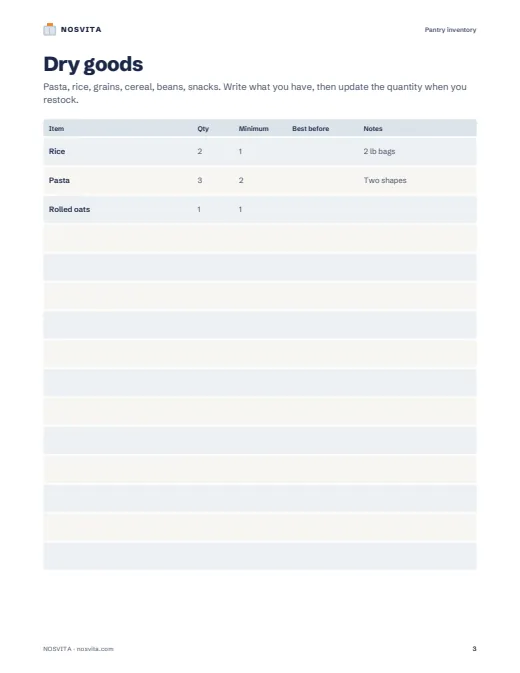
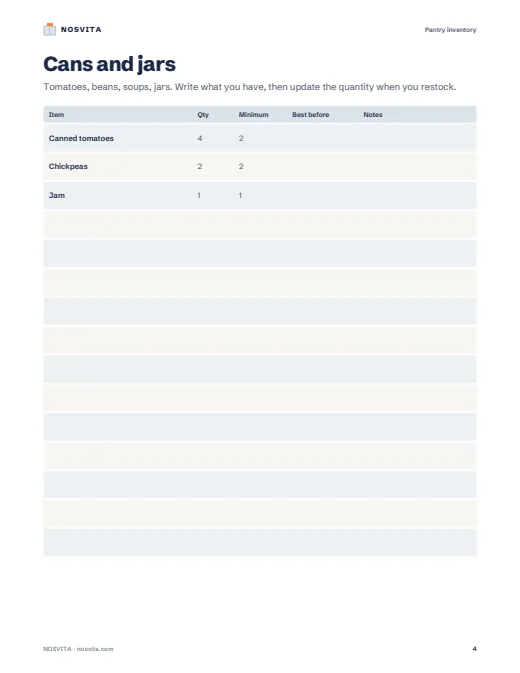
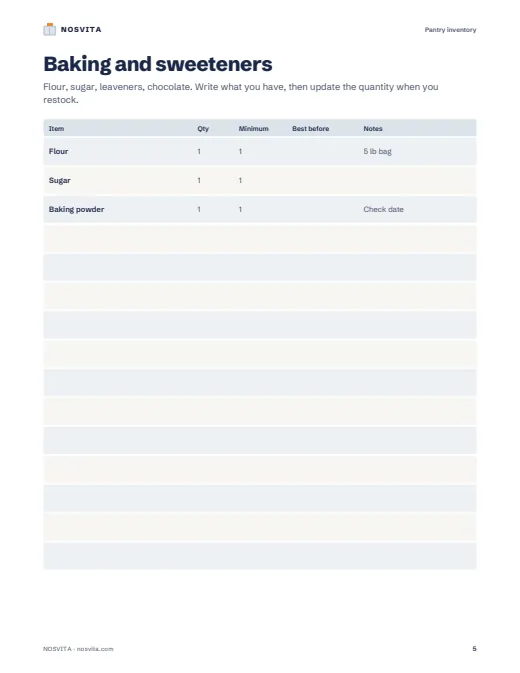
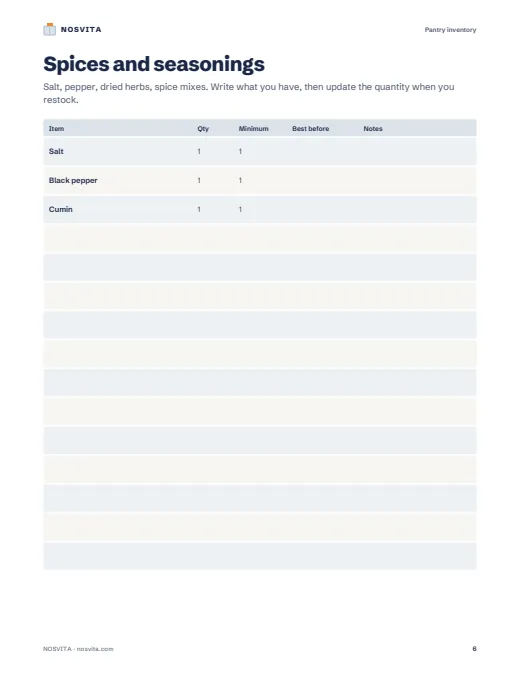
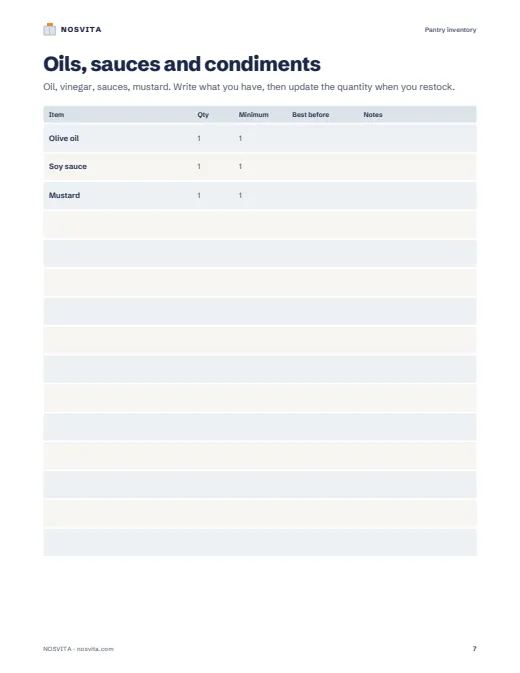
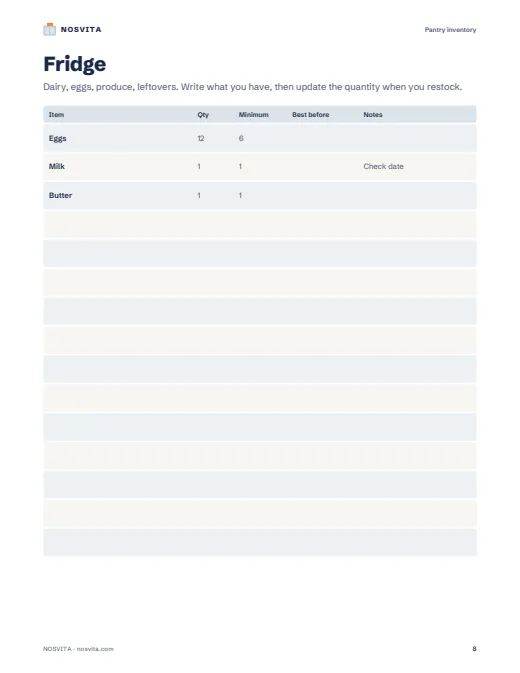
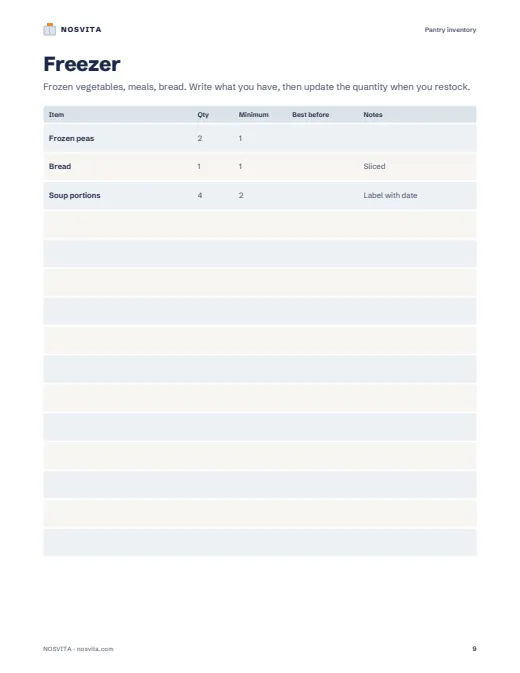
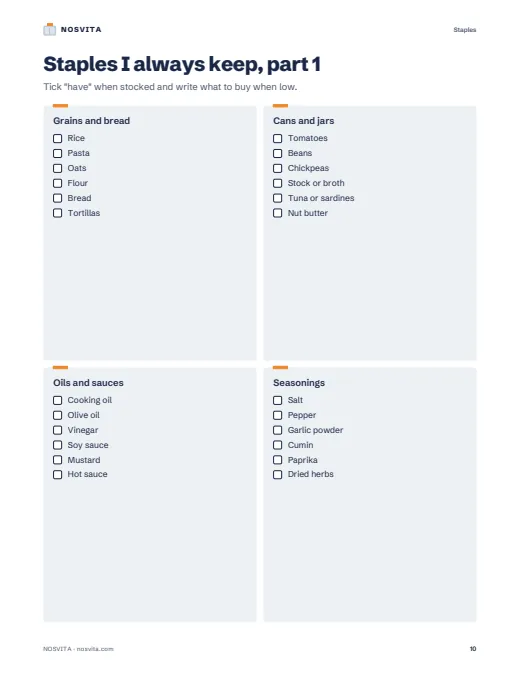
A pantry inventory by zone with quantities, minimums and best-before dates, two staples pages, and six weekly shopping lists sorted by store section with a meal strip on top. A use-it-up list helps with what needs eating soon.
$8 · PDF · A4 · PDF · US Letter · 16 pages
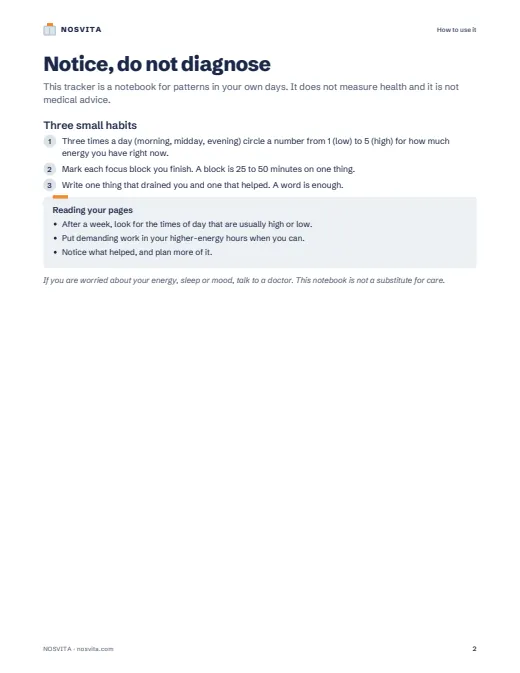
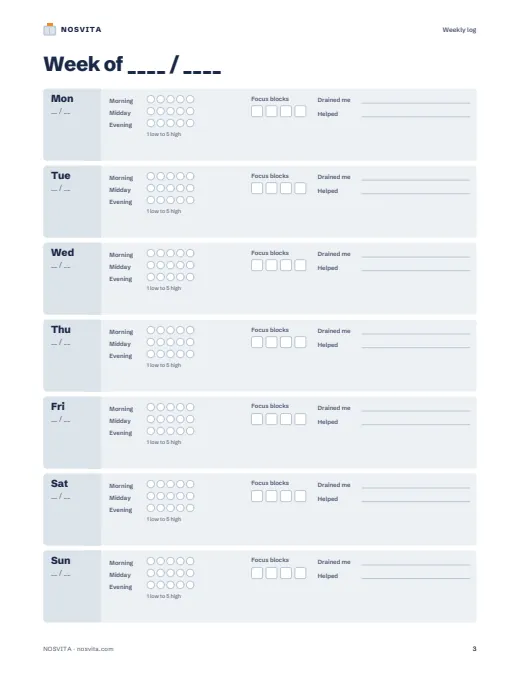
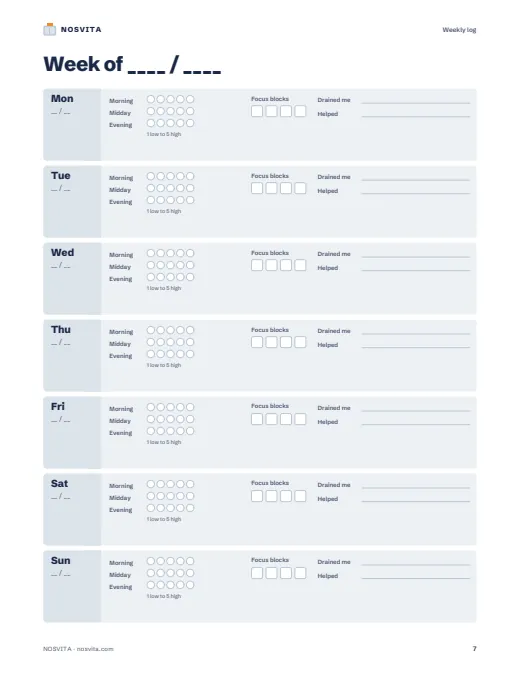
A notebook for noticing your own patterns: daily energy from 1 to 5 three times a day, focus blocks, and a line for what drained you and what helped. It is not a health record and does not give medical advice.
$14 · PDF · A4 · PDF · US Letter · 32 pages
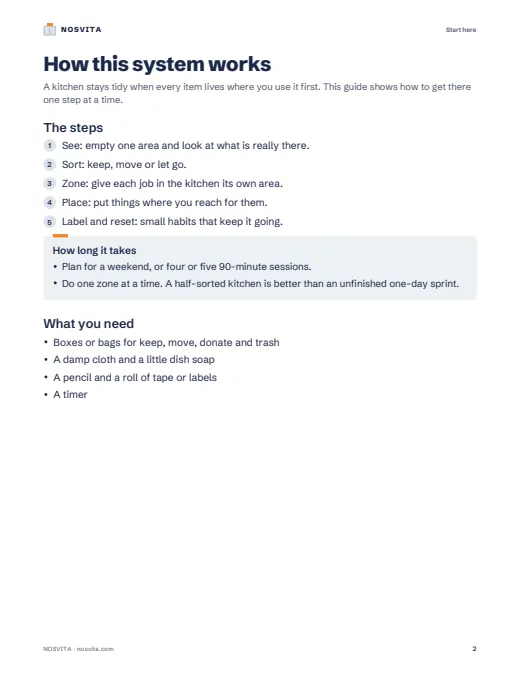
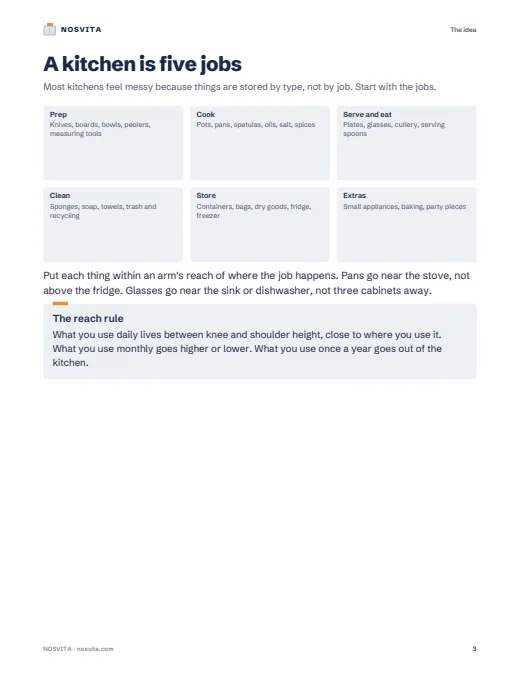
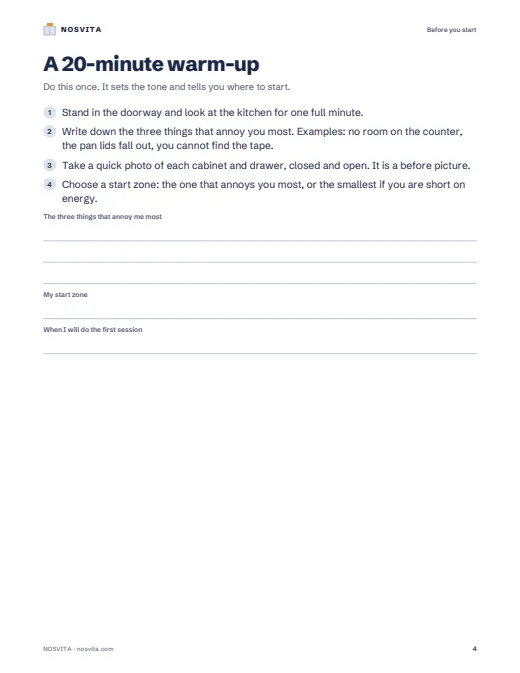
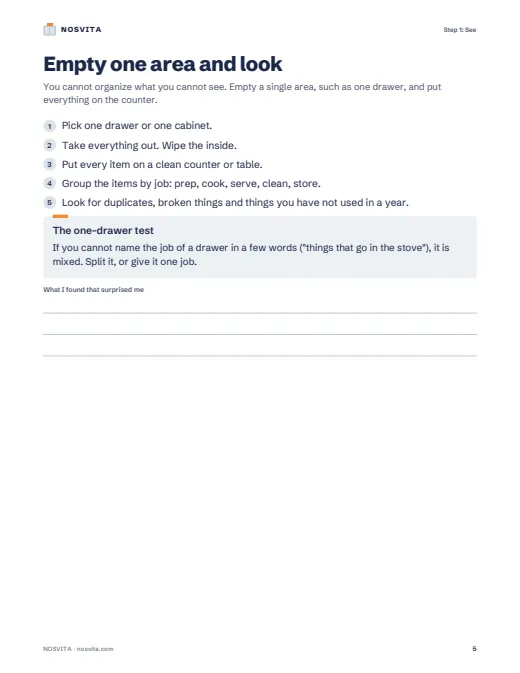
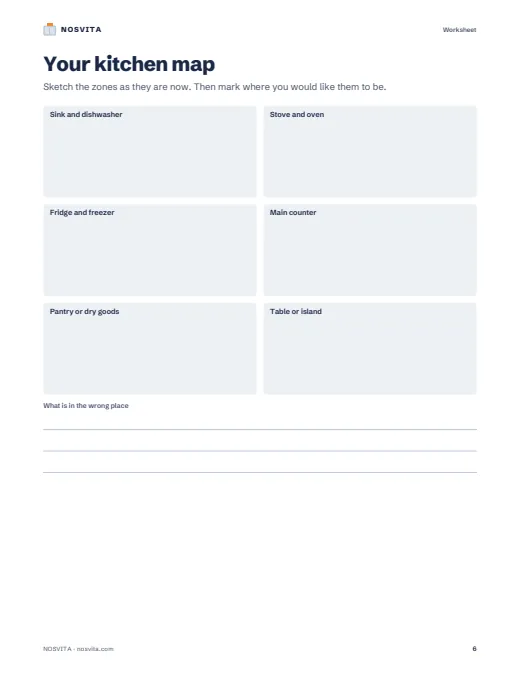
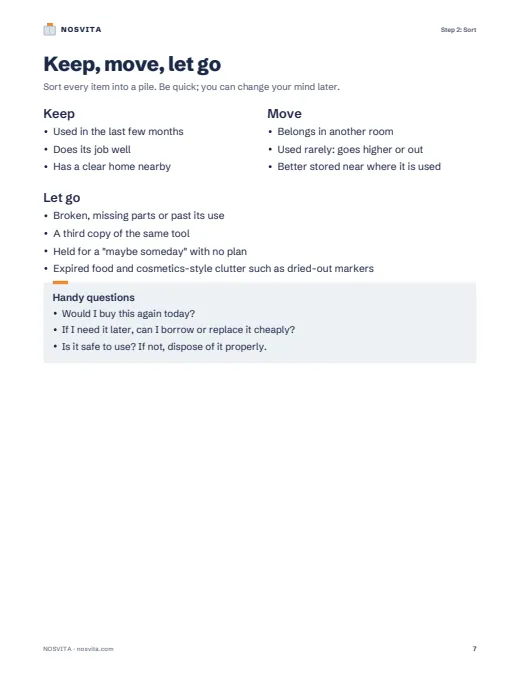
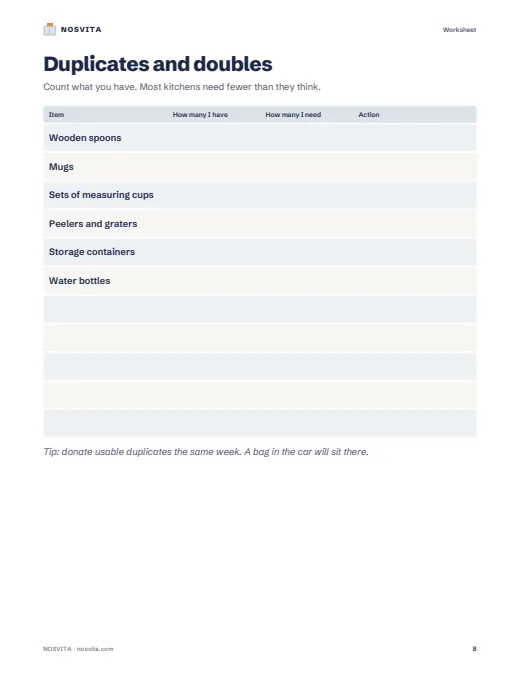
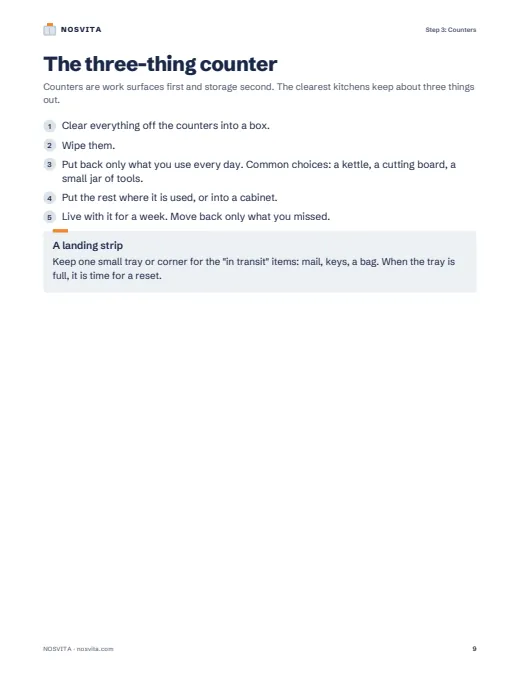
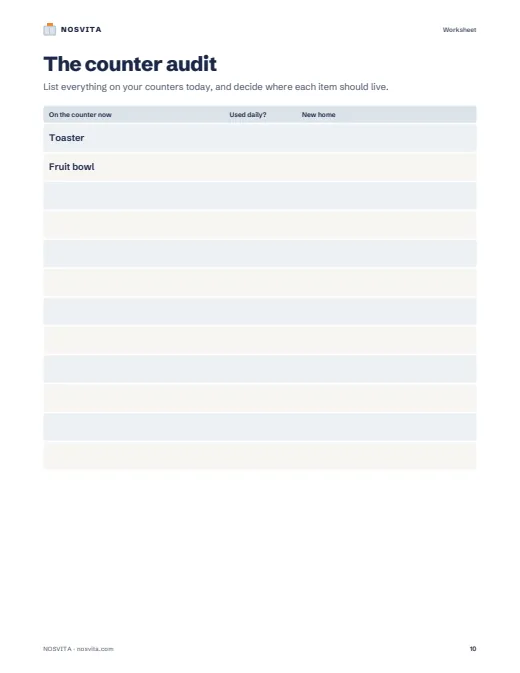
A step-by-step guide to sorting your kitchen by job, with worksheets for counters, drawers, cabinets, the pantry, fridge and freezer. It ends with daily, weekly and monthly resets that keep the system going.
$13 · PDF · A4 · PDF · US Letter · 28 pages
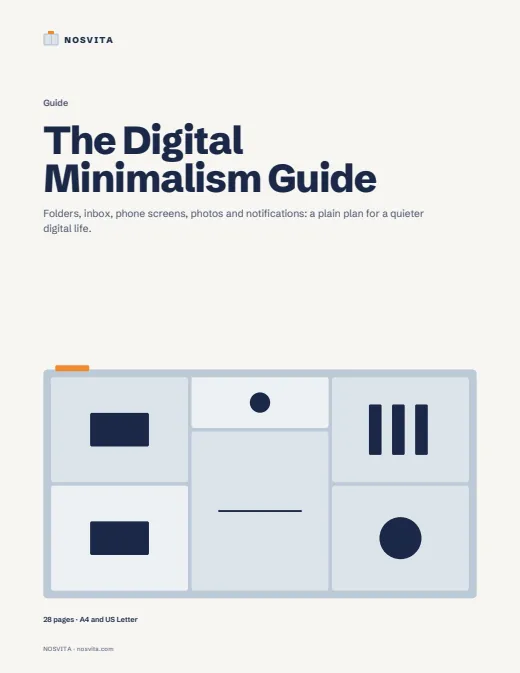
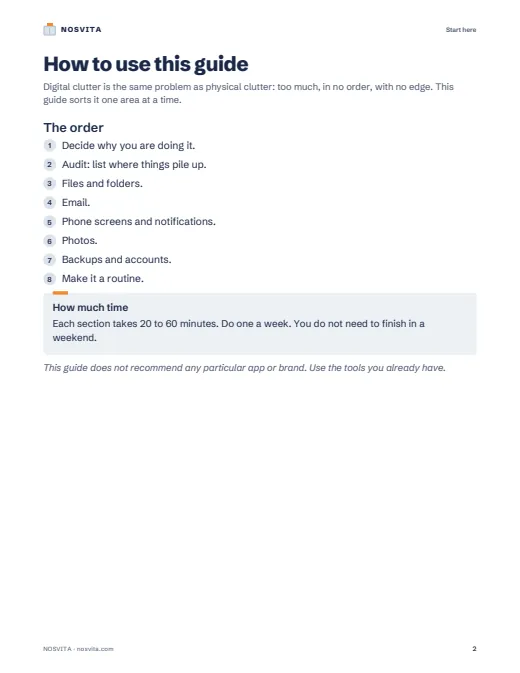
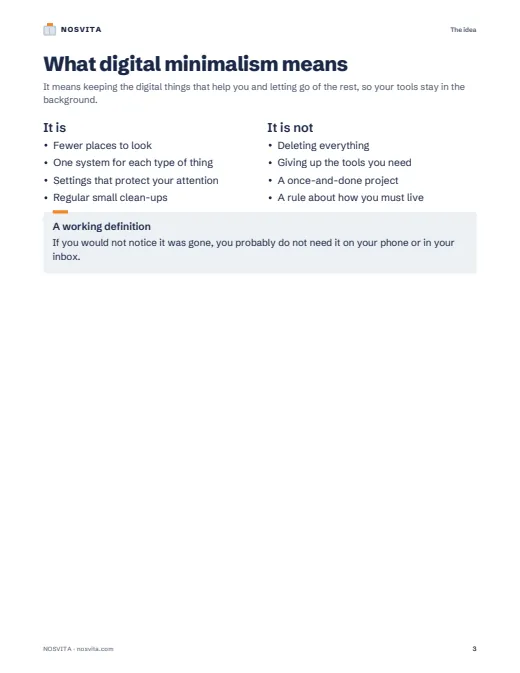
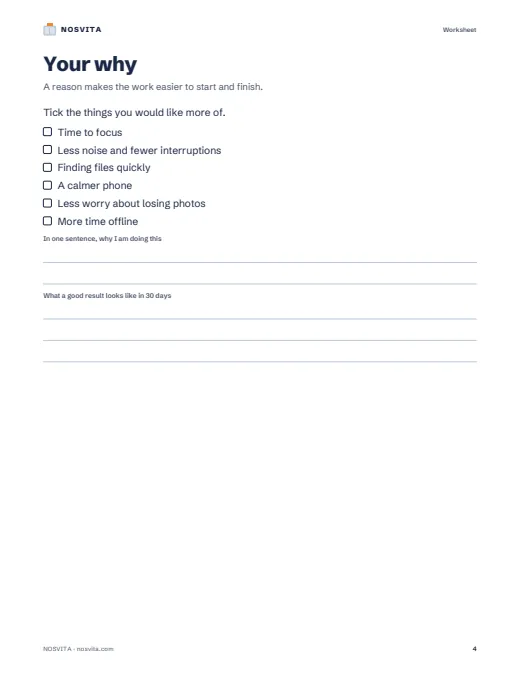
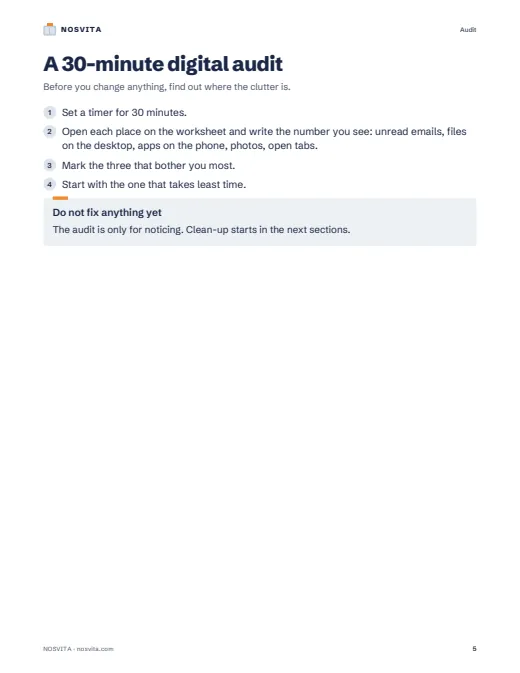
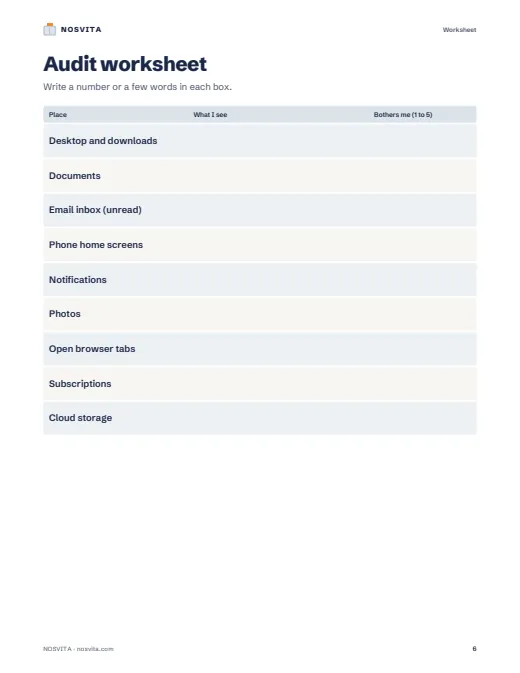
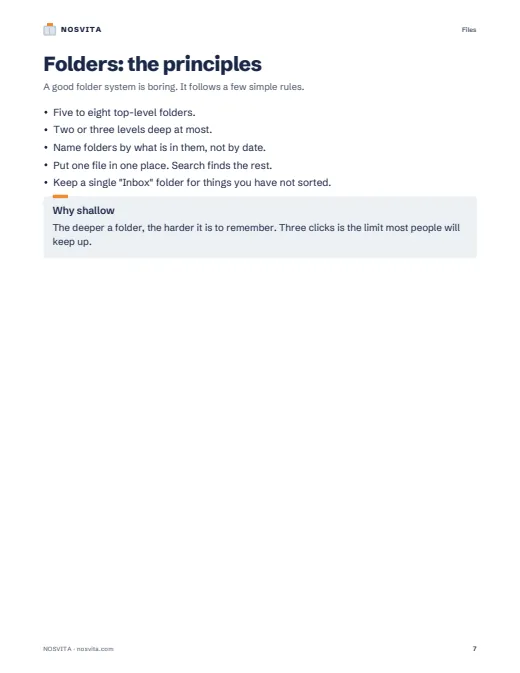
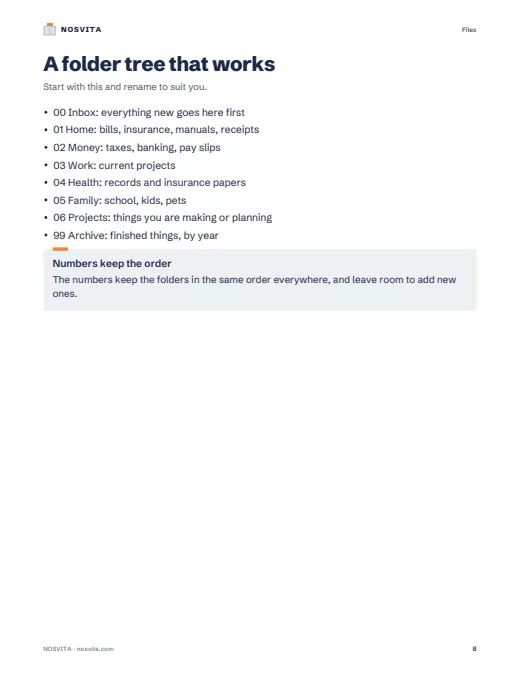
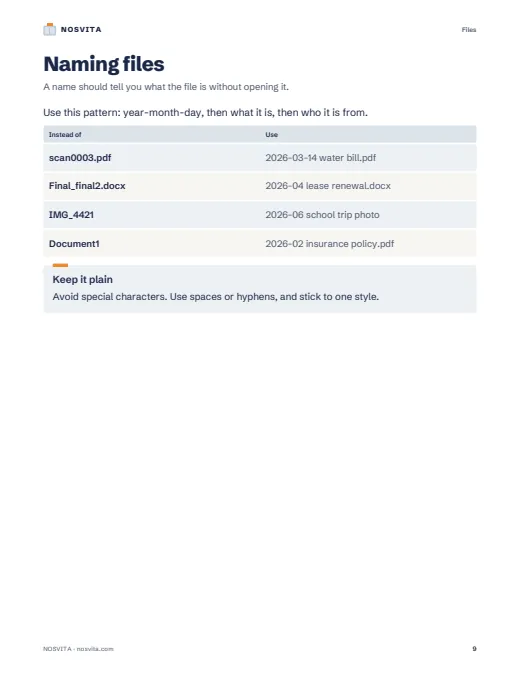
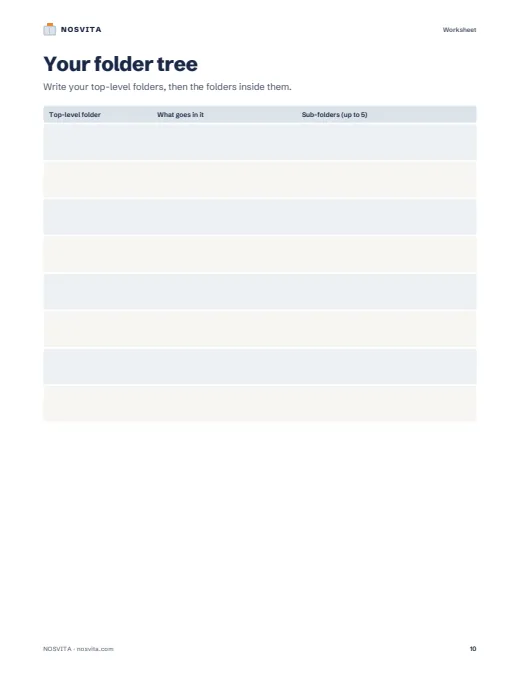
A plain guide to folders, email, phone screens, notifications and photos, with a 30-minute audit, worksheets and a 30-day plan. It does not recommend any app or brand; it works with the tools you already have.
$12 · PDF · A4 · PDF · US Letter · 24 pages
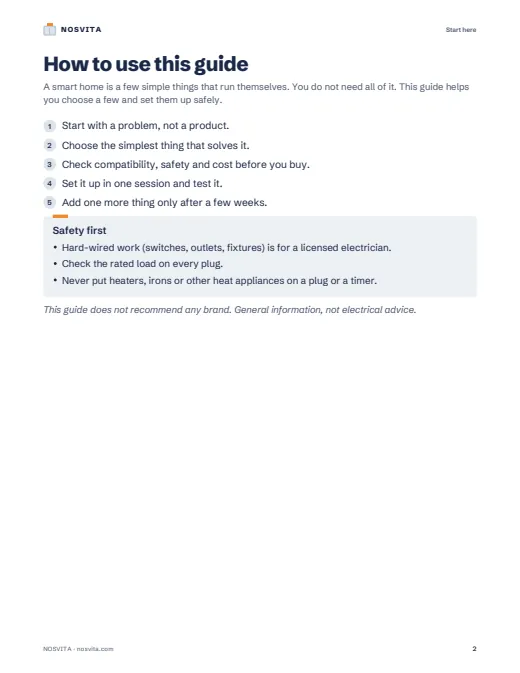
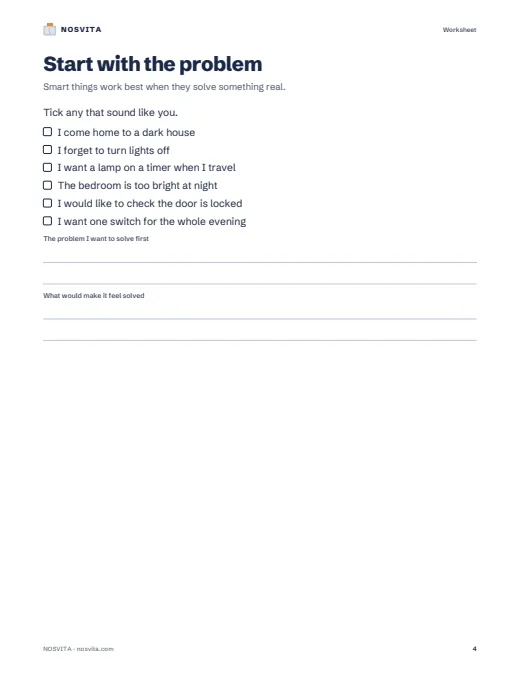
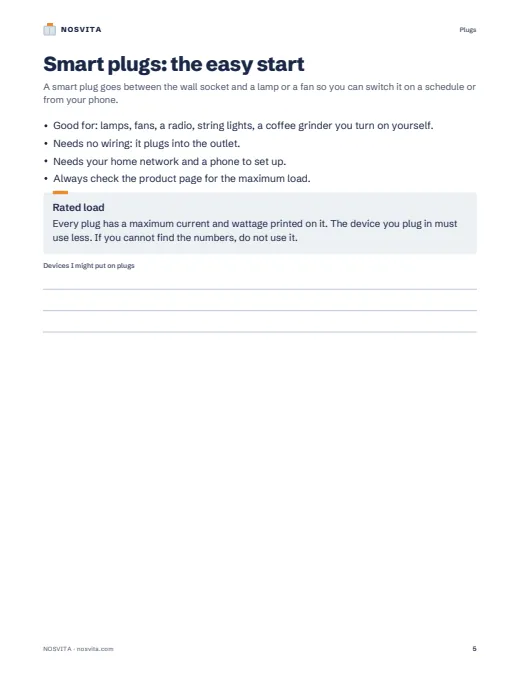
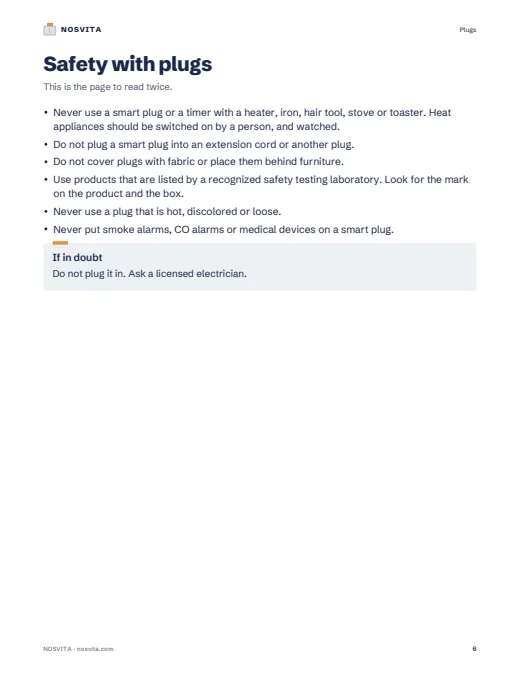
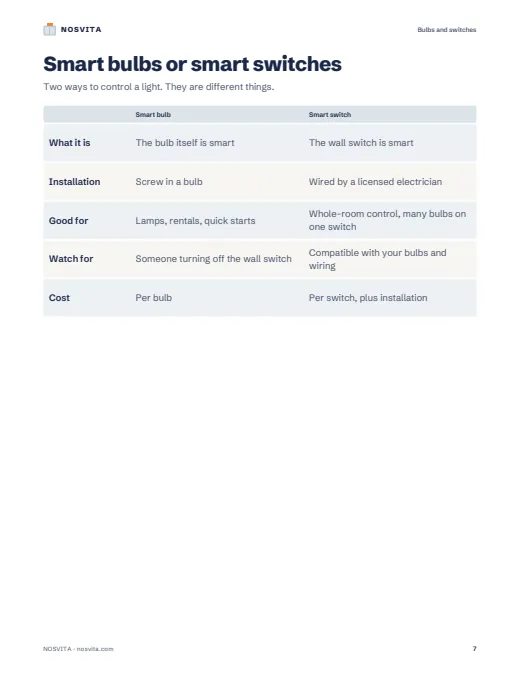
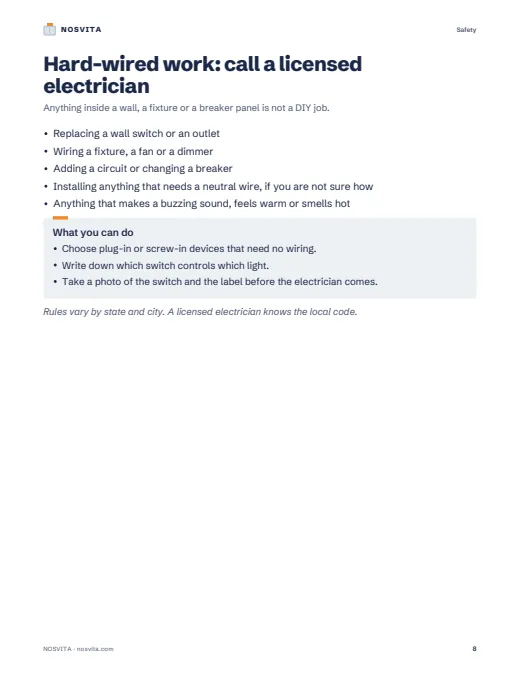
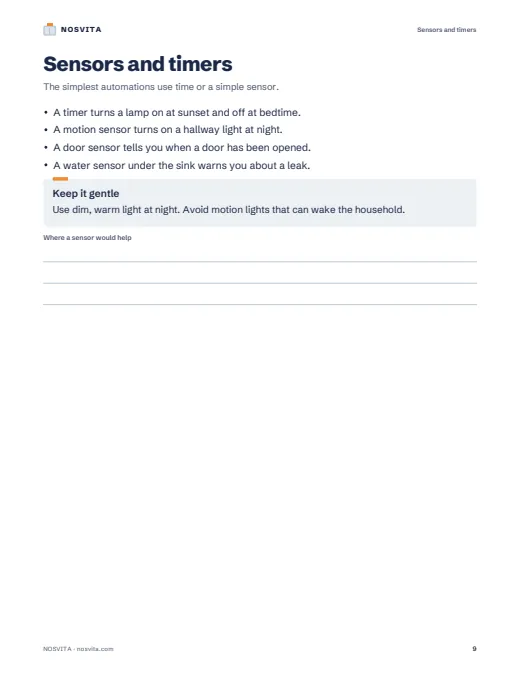
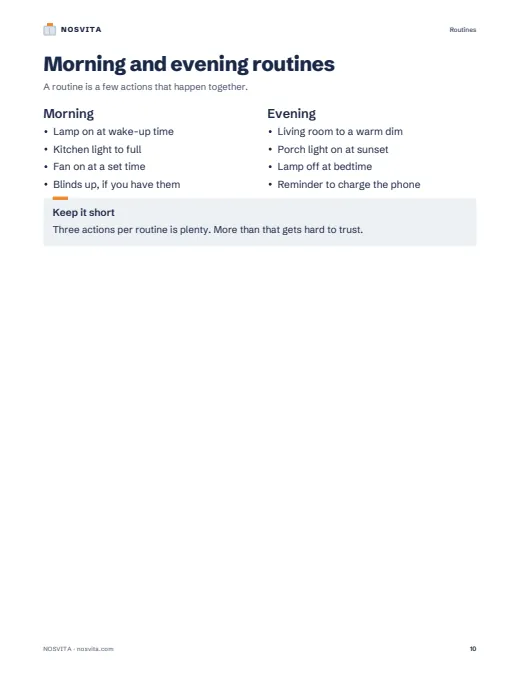
A guide to plugs, bulbs, switches, sensors and simple routines, with a planning worksheet and a clear safety page: hard-wired work is for a licensed electrician, loads must stay within the rating, and heaters and irons never go on plugs or timers. It names no brands.
$12 · PDF · A4 · PDF · US Letter · 30 pages
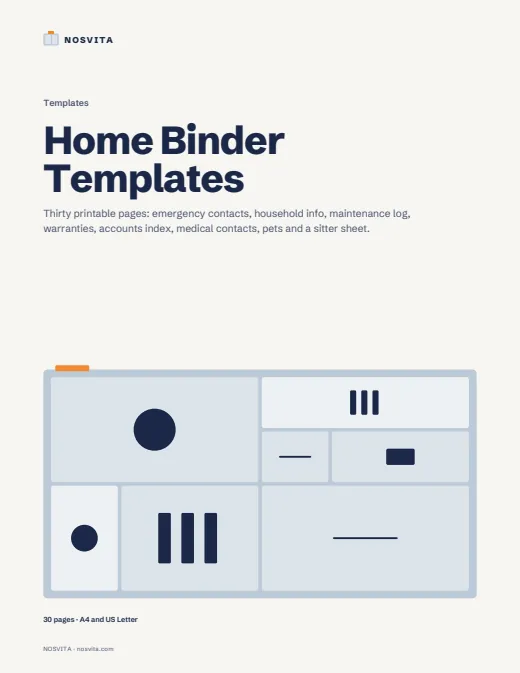
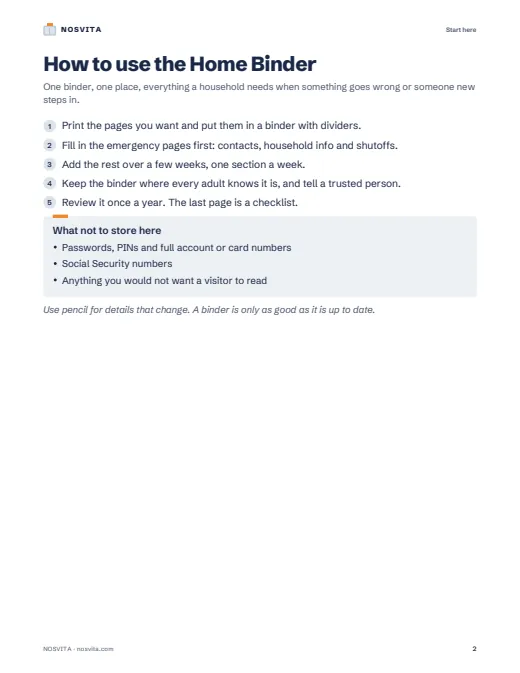
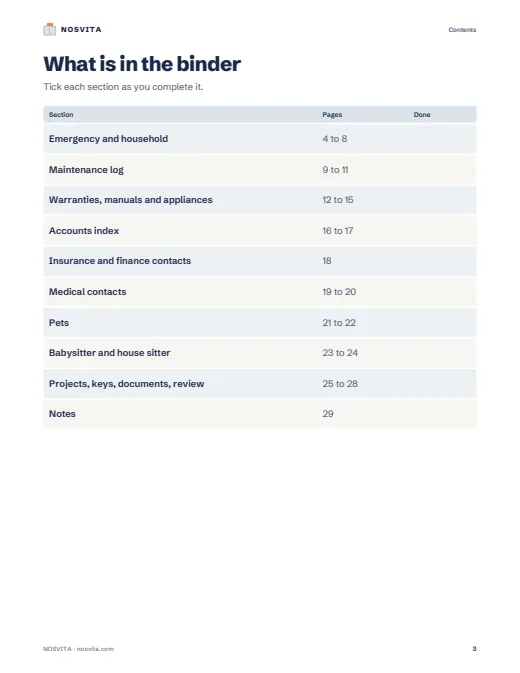
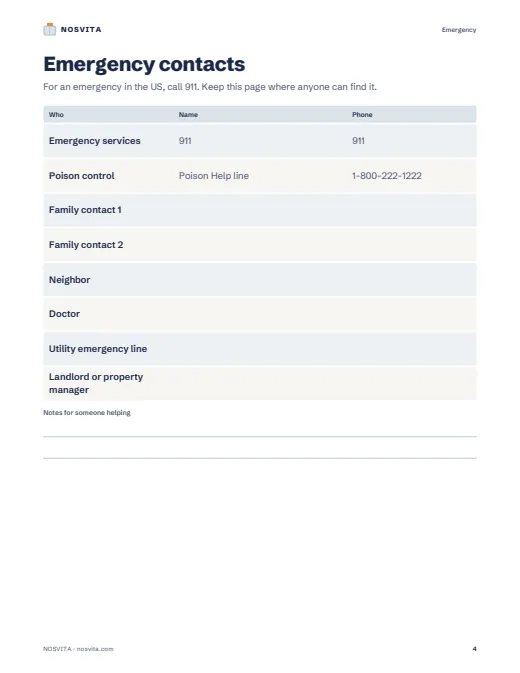
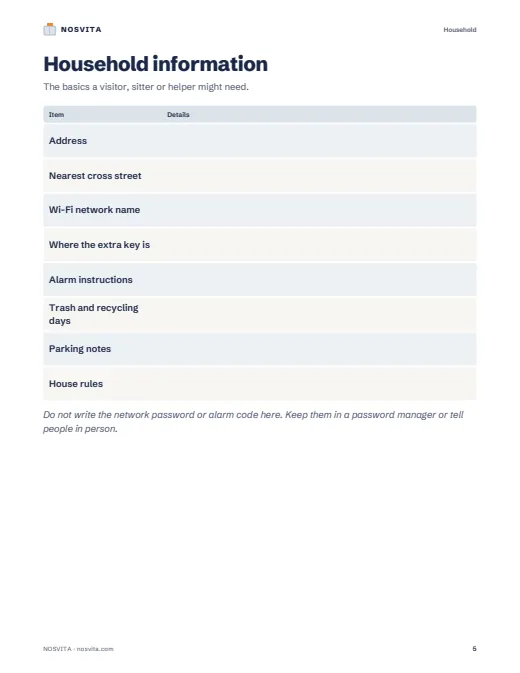
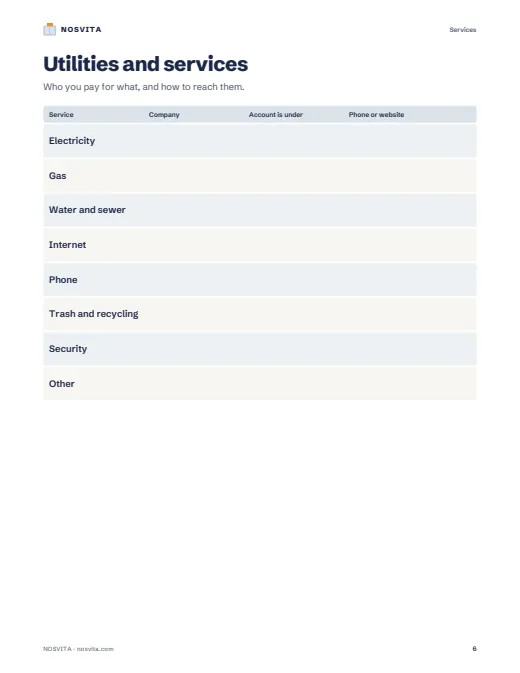
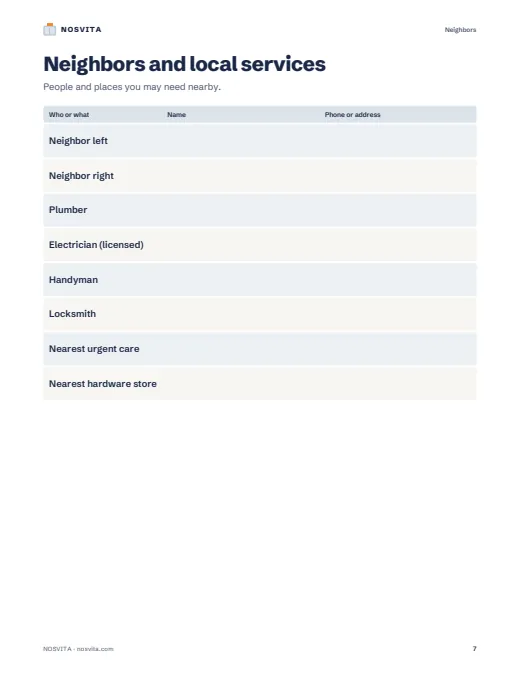
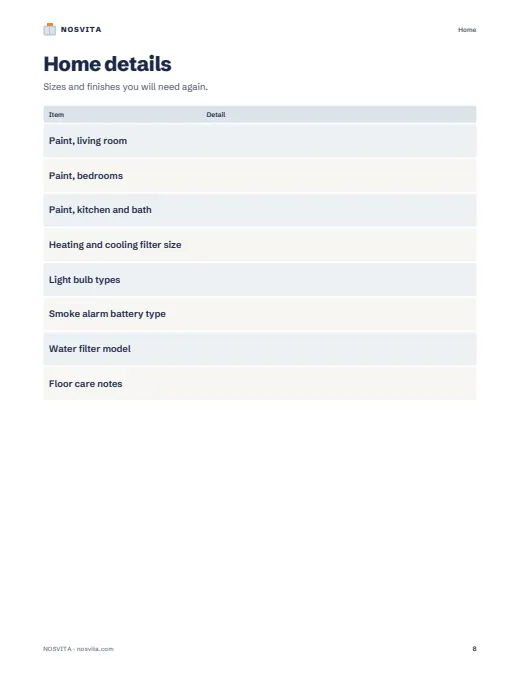
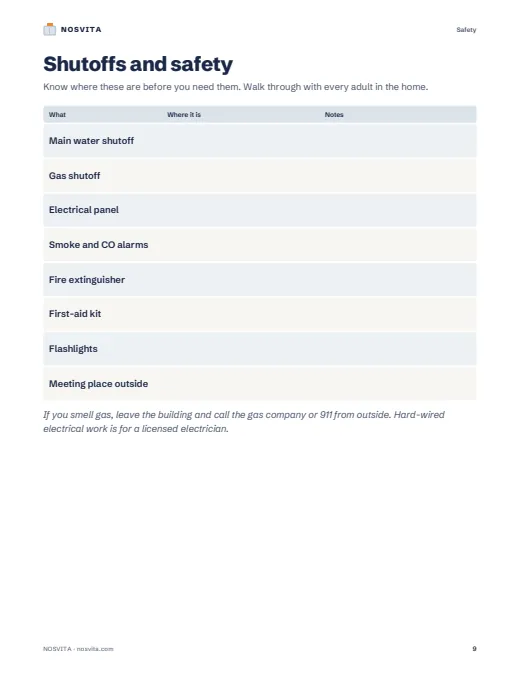
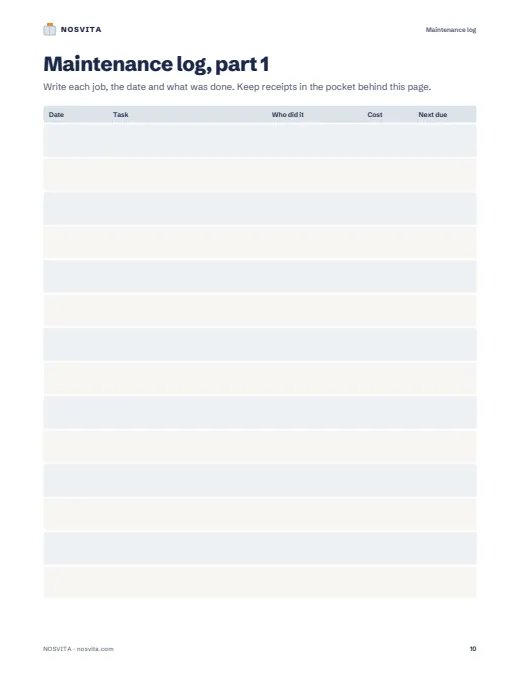
Thirty printable pages for one household binder: emergency contacts, household info, shutoffs, a maintenance log, warranties, an accounts index, medical contacts, pet information and a babysitter sheet. The accounts pages list which accounts exist and never ask for passwords.
$10 · Google Sheets / .xlsx · CSV · PDF guide · 8 pages
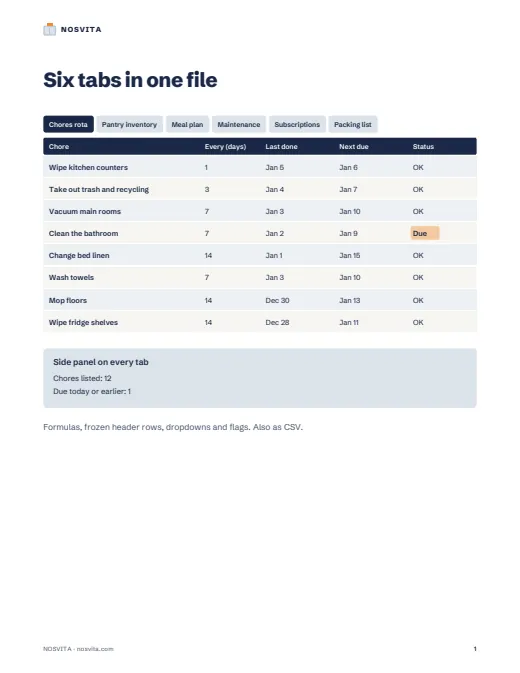
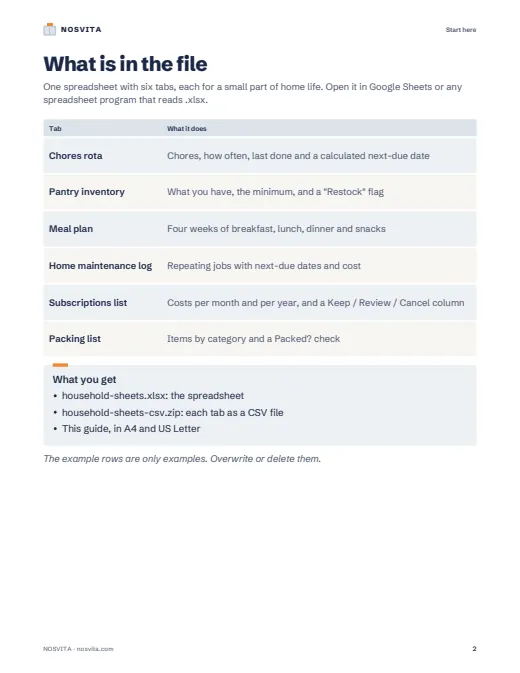
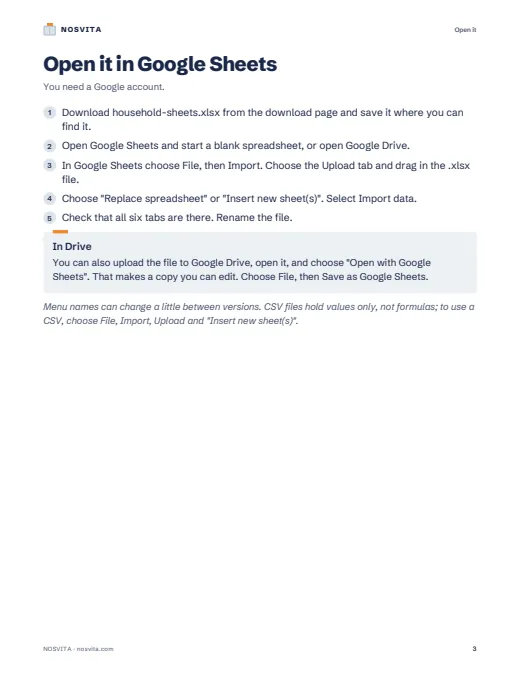
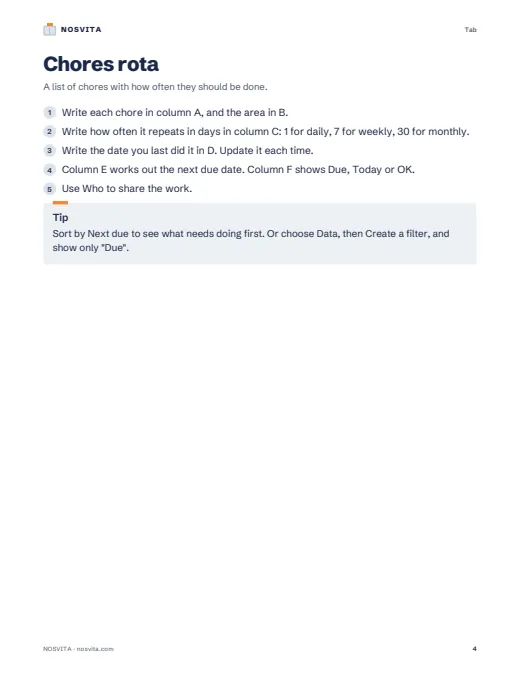
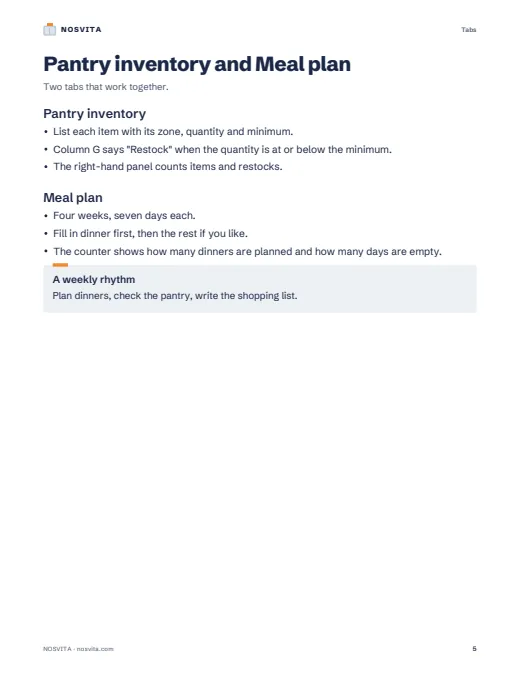
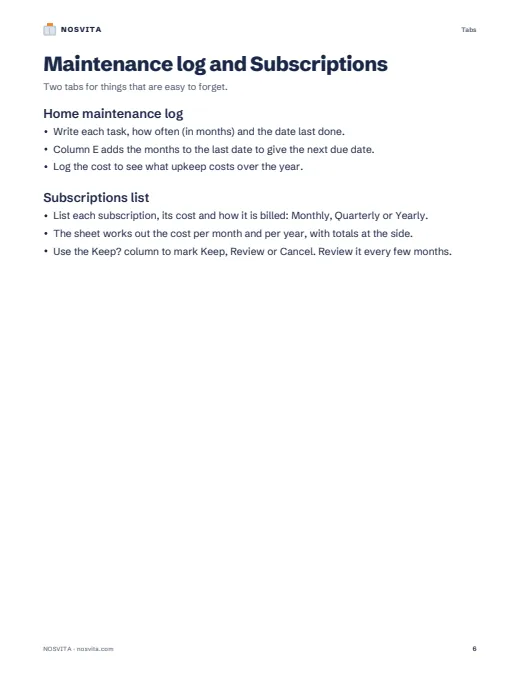
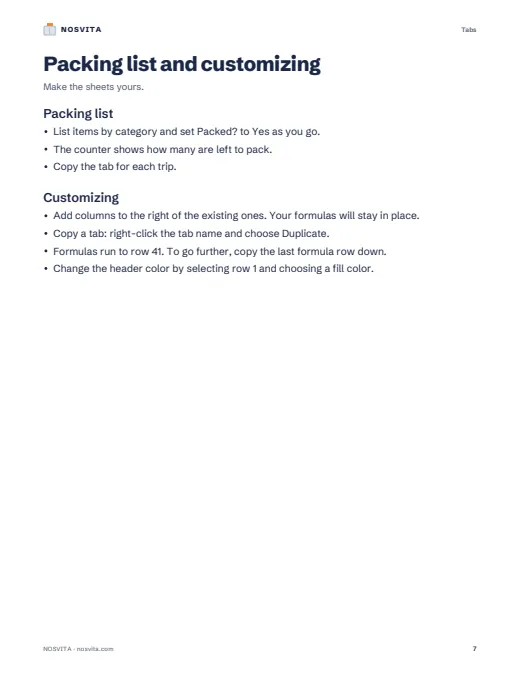
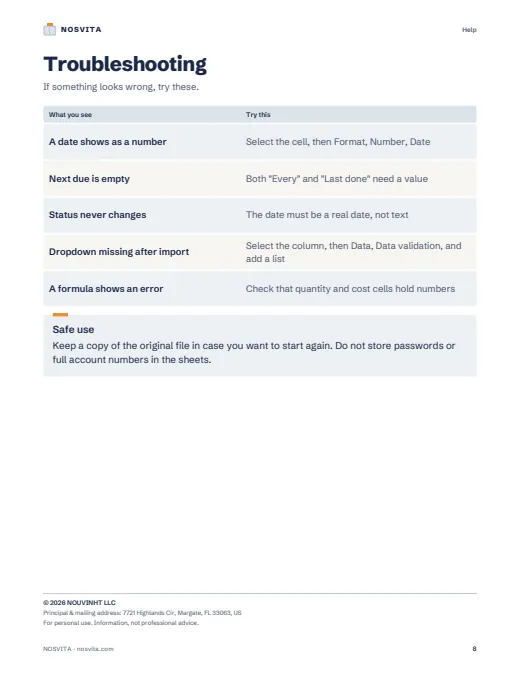
A real .xlsx spreadsheet with six tabs: Chores rota, Pantry inventory, Meal plan, Home maintenance log, Subscriptions list and Packing list. It has formulas for next due dates, restock flags and totals, frozen header rows and an 8-page PDF guide to opening it in Google Sheets.
$14 · Notion import (.zip) · CSV databases · PDF guide · 10 pages
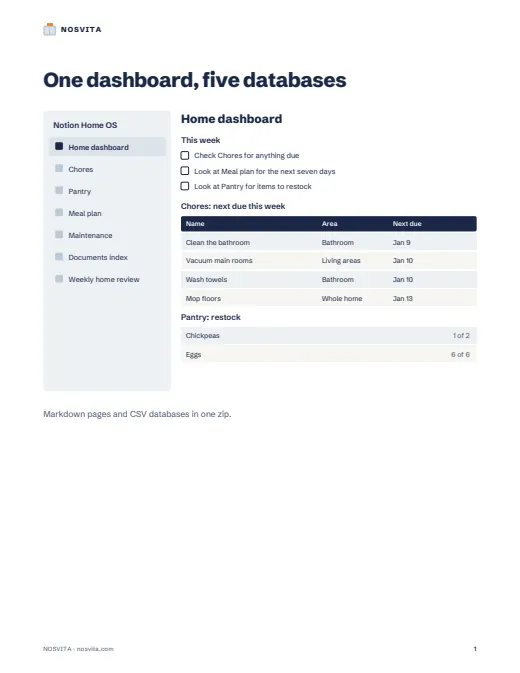
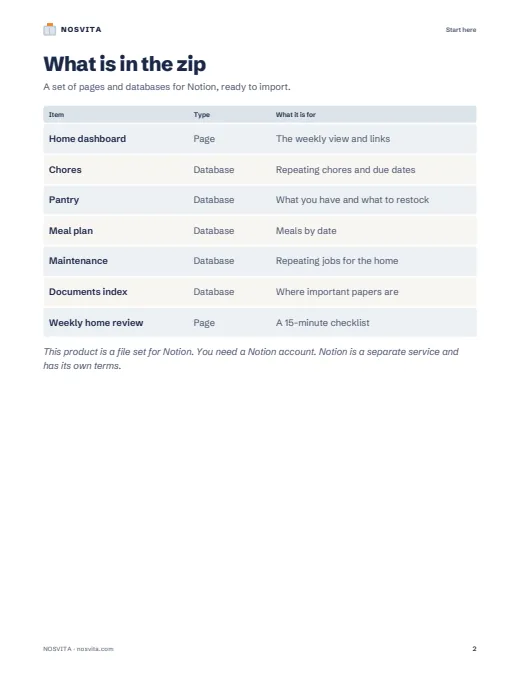
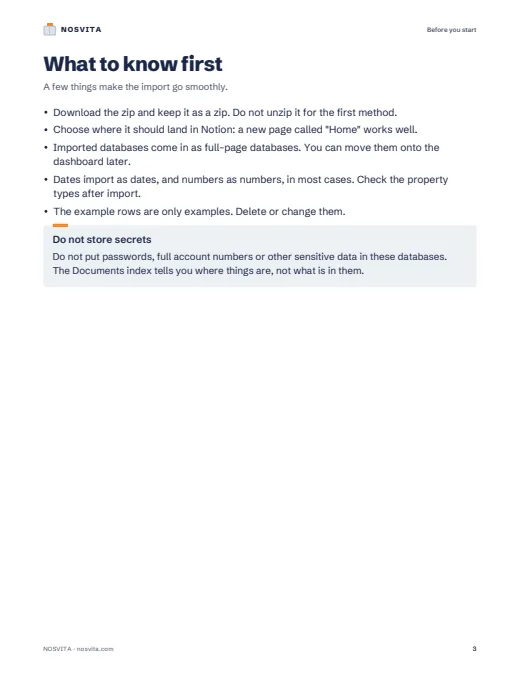
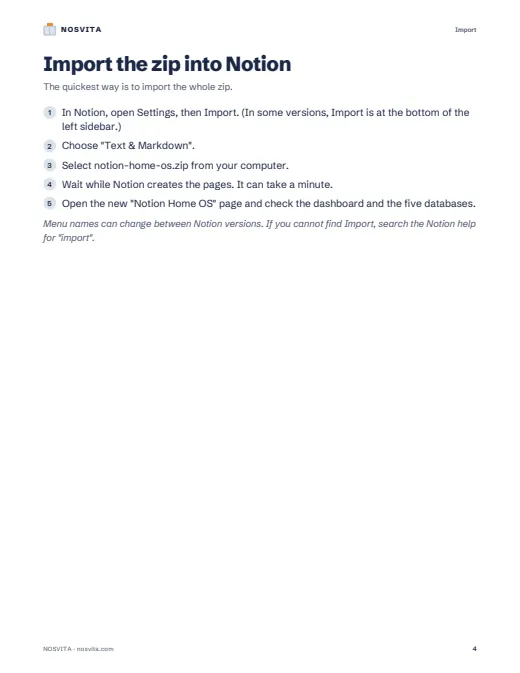
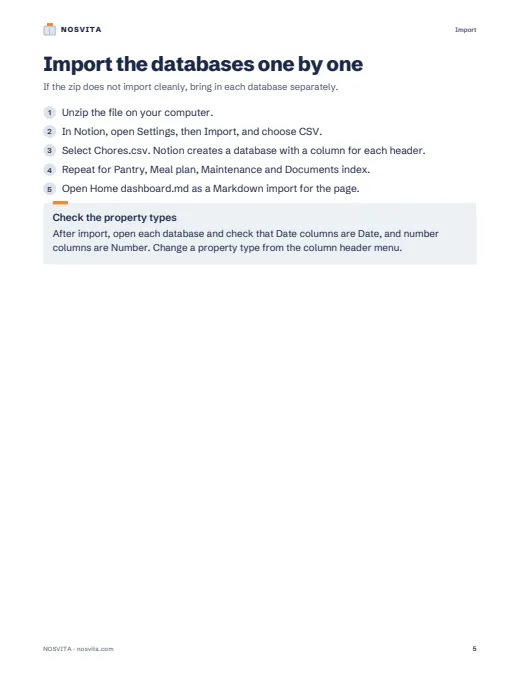
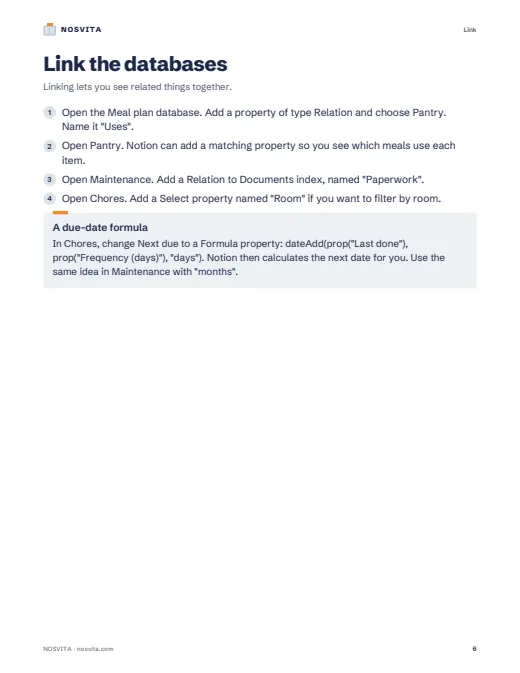
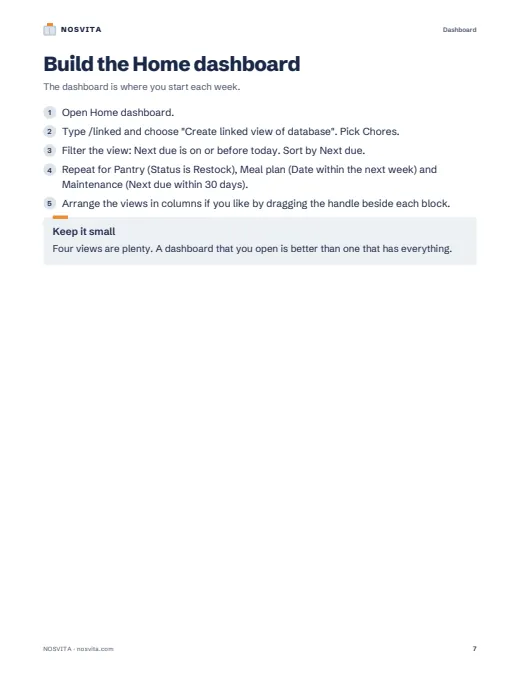
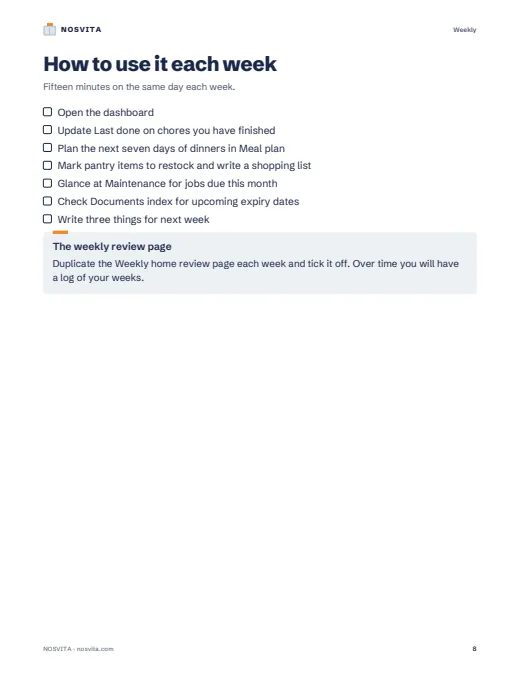
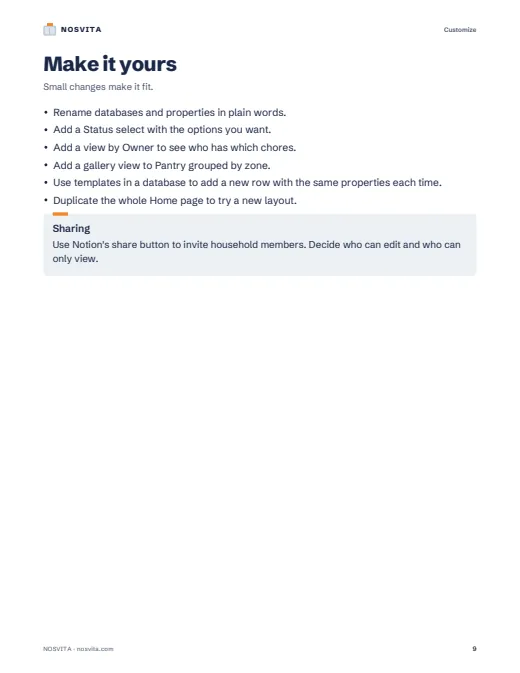
A zip you can import into Notion: a Home dashboard page and databases for chores, pantry, meal plan, maintenance and a documents index, plus a weekly review page. A 10-page PDF guide shows the import, how to link the databases and how to use it each week. A Notion account is needed.