Skip to content
nosvita
Subscribe

Notion Home OS

Notion import · zip

Price: $14

  • Secure checkout, prices in US dollars.
  • Instant download page after payment. Nothing is shipped.
  • 14-day refund if not downloaded, or if a file is faulty and we cannot fix it. Refund policy

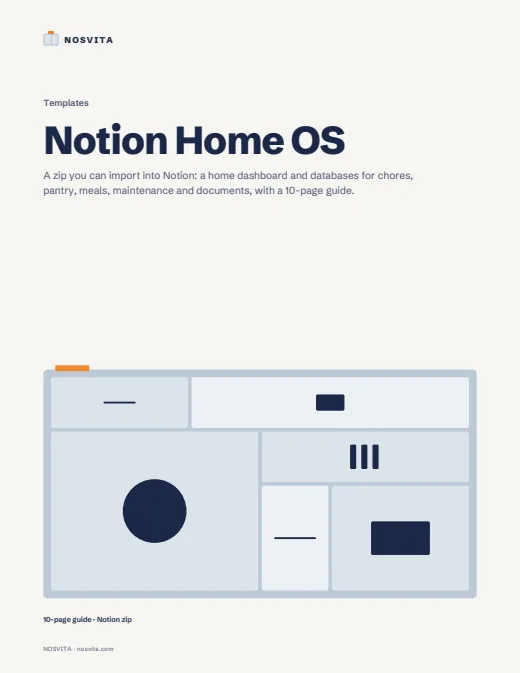
All 10 pages

Open any page to see it large. These are the real pages of the file you download.
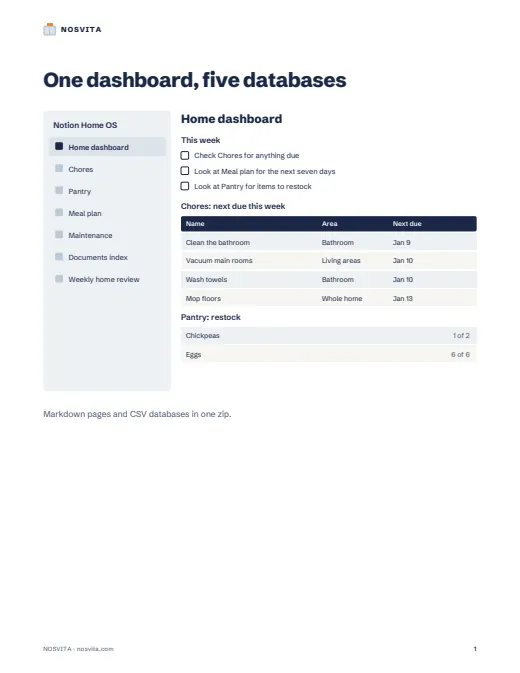
  • Notion Home OS, page 1
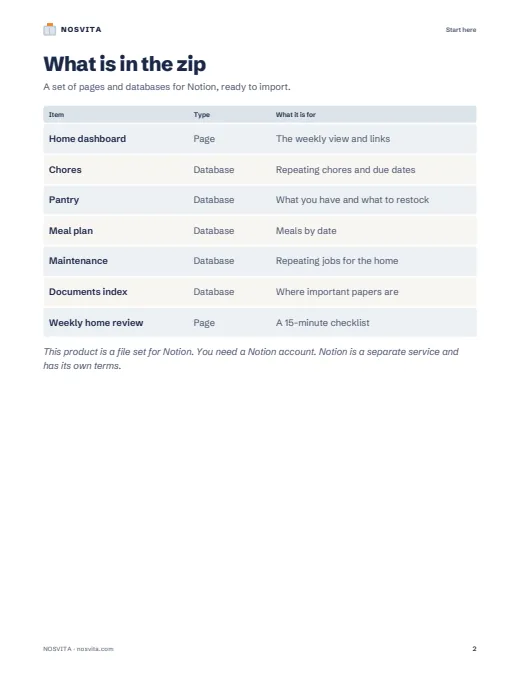
  • Notion Home OS, page 2
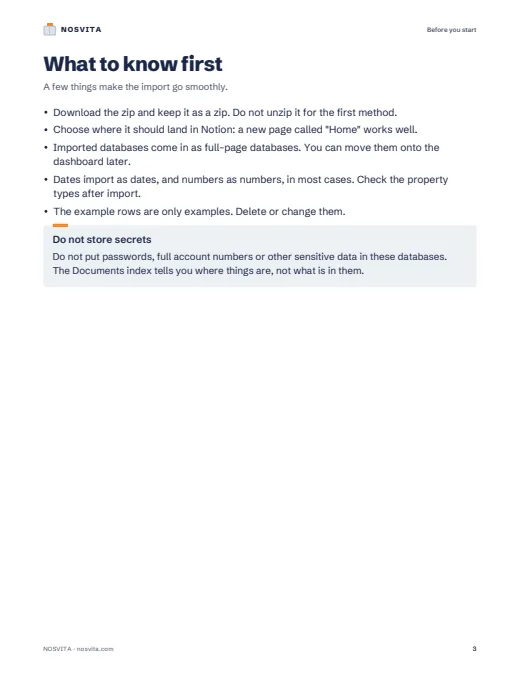
  • Notion Home OS, page 3
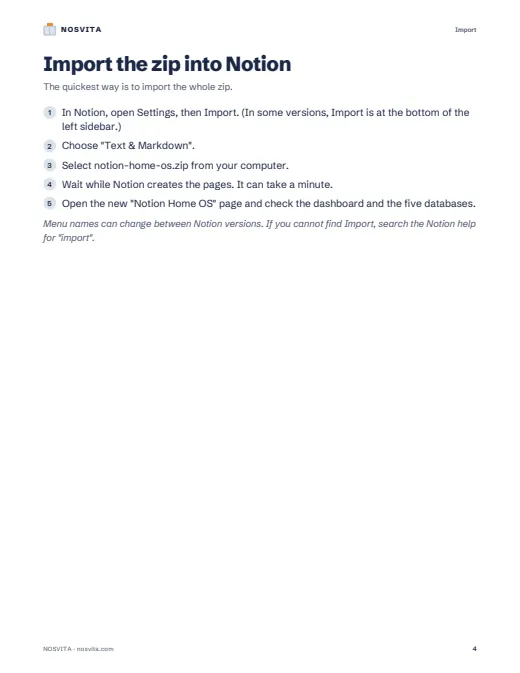
  • Notion Home OS, page 4
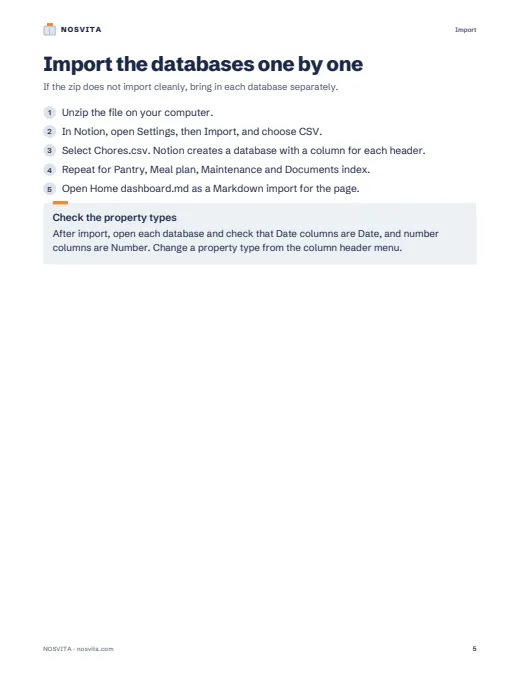
  • Notion Home OS, page 5
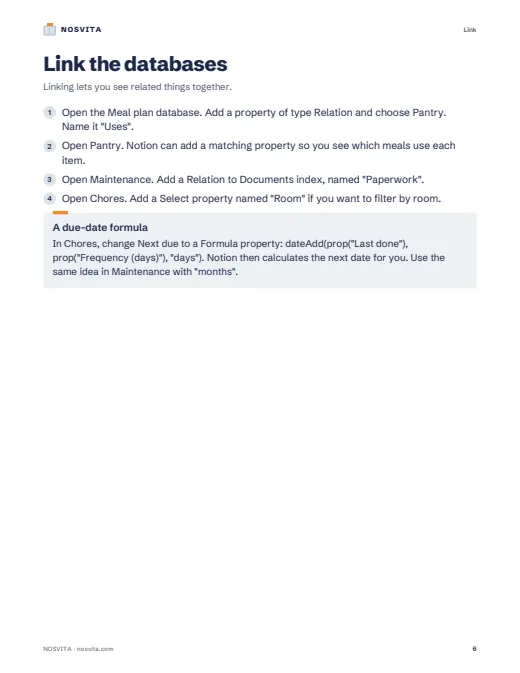
  • Notion Home OS, page 6
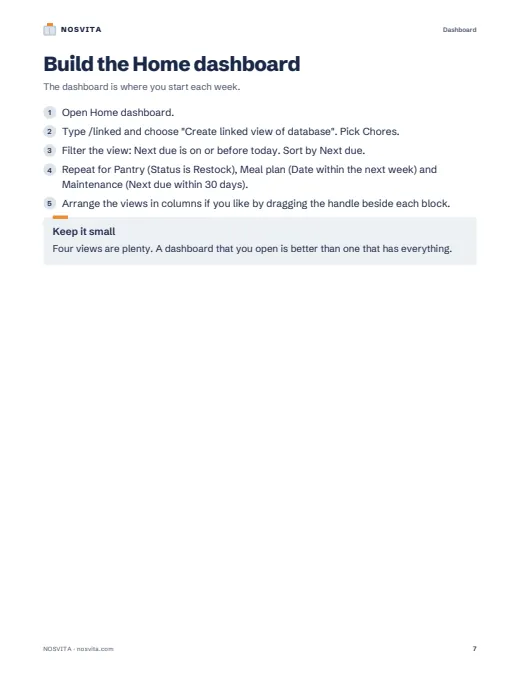
  • Notion Home OS, page 7
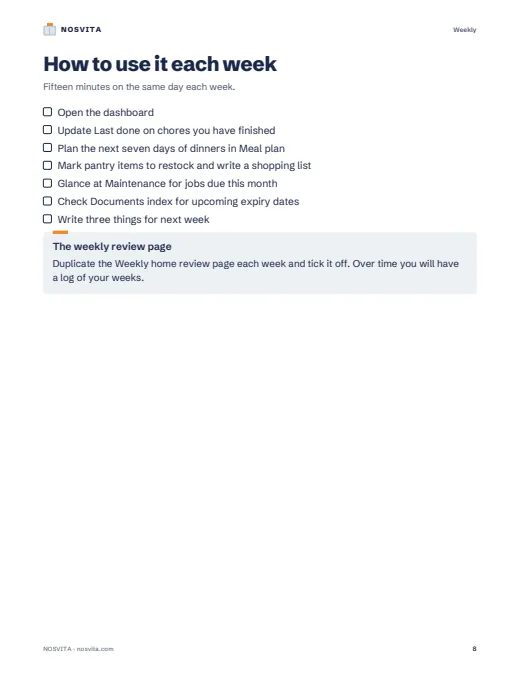
  • Notion Home OS, page 8
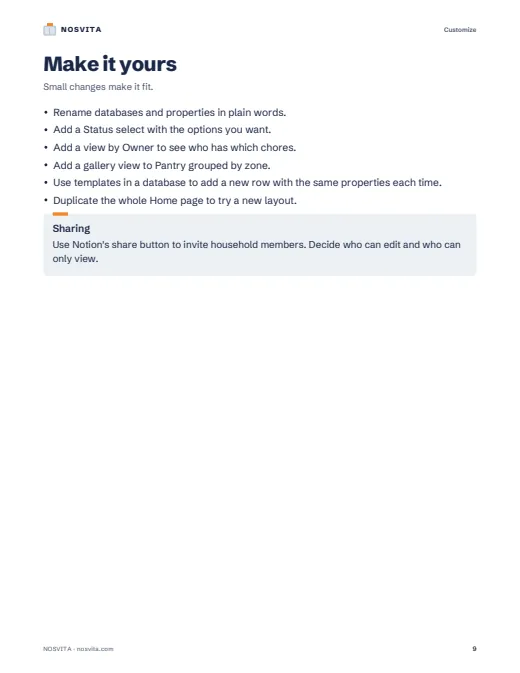
  • Notion Home OS, page 9
  • Notion Home OS, page 10

What you get

A zip you can import into Notion: a Home dashboard page and databases for chores, pantry, meal plan, maintenance and a documents index, plus a weekly review page. A 10-page PDF guide shows the import, how to link the databases and how to use it each week. A Notion account is needed.

Included

  • notion-home-os.zip: Markdown pages and CSV databases
  • Home dashboard and weekly home review pages
  • Chores, Pantry, Meal plan, Maintenance and Documents index databases
  • 10-page PDF guide in A4 and US Letter
  • Download page right after payment

Formats

  • Notion import (.zip)
  • CSV databases
  • PDF guide

How you’ll open it

The Notion template

  1. Download the .zip from your download page and keep it zipped.
  2. In Notion, open Settings, then Import, choose "Text & Markdown" and select the .zip.
  3. Open the new Notion Home OS page and check the dashboard and the five databases. The PDF guide covers the rest.

The printable PDF

  1. Pick US Letter (US and Canada) or A4 (almost everywhere else).
  2. Print at 100% or "actual size", not "fit to page", so boxes stay true.
  3. Print only the pages you need this week, or fill them in on a tablet.
The whole shop